








Frida Mistberg - Content Manager Web

Winn Hotel Group
★★★★★
Just tried out the Webflow plugin and it works perfectly for us! Great support, thank you so much.
Visit websiteGenerate alt text for images automatically using AI
Boost SEO and accessibility in seconds. Save hours and rank your website faster ⚡
Image Formats Supported

Luxury modern house with infinity pool in desert landscape.
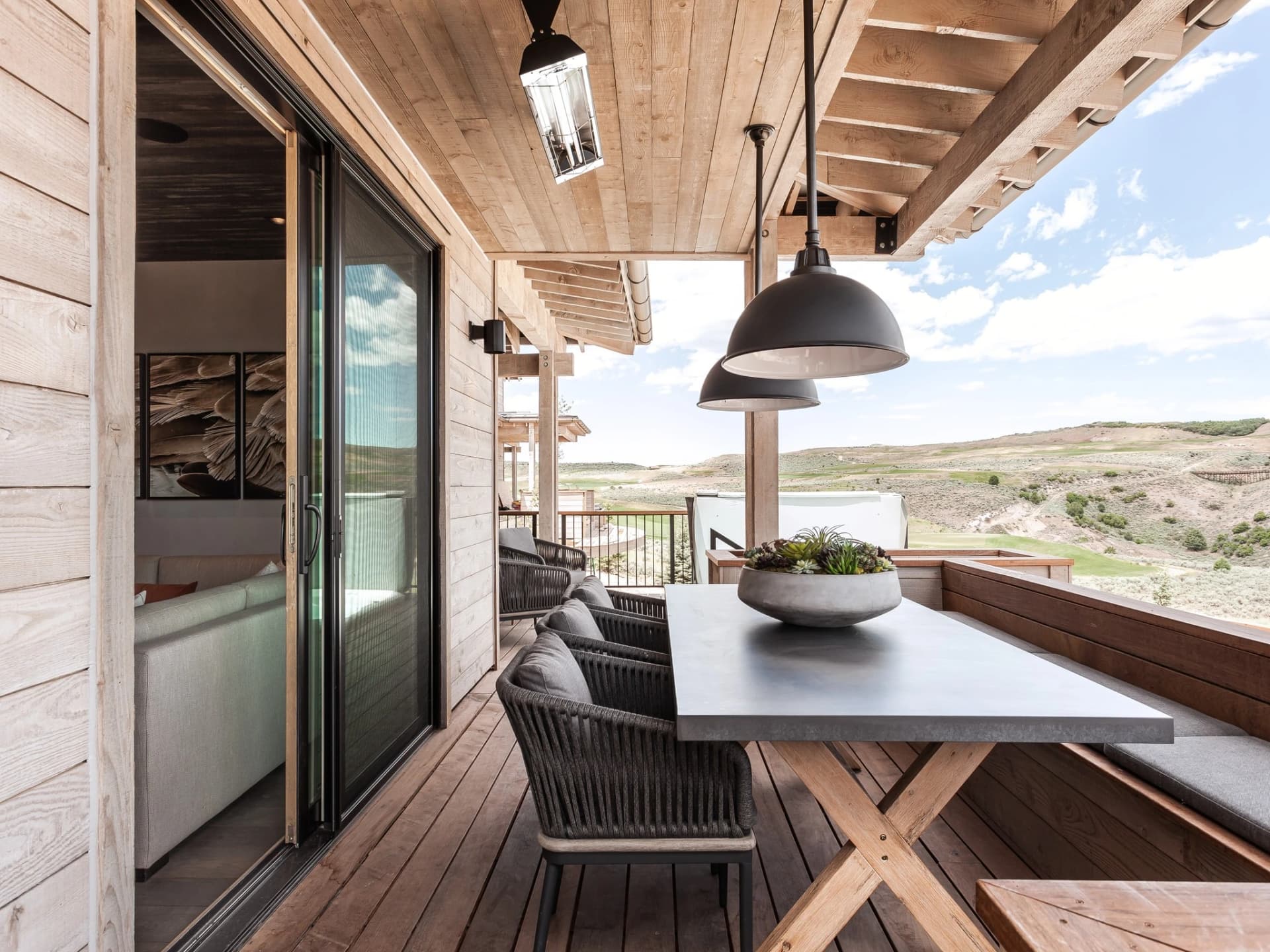
Hillside deck with stylish seating overlooking panoramic landscape.
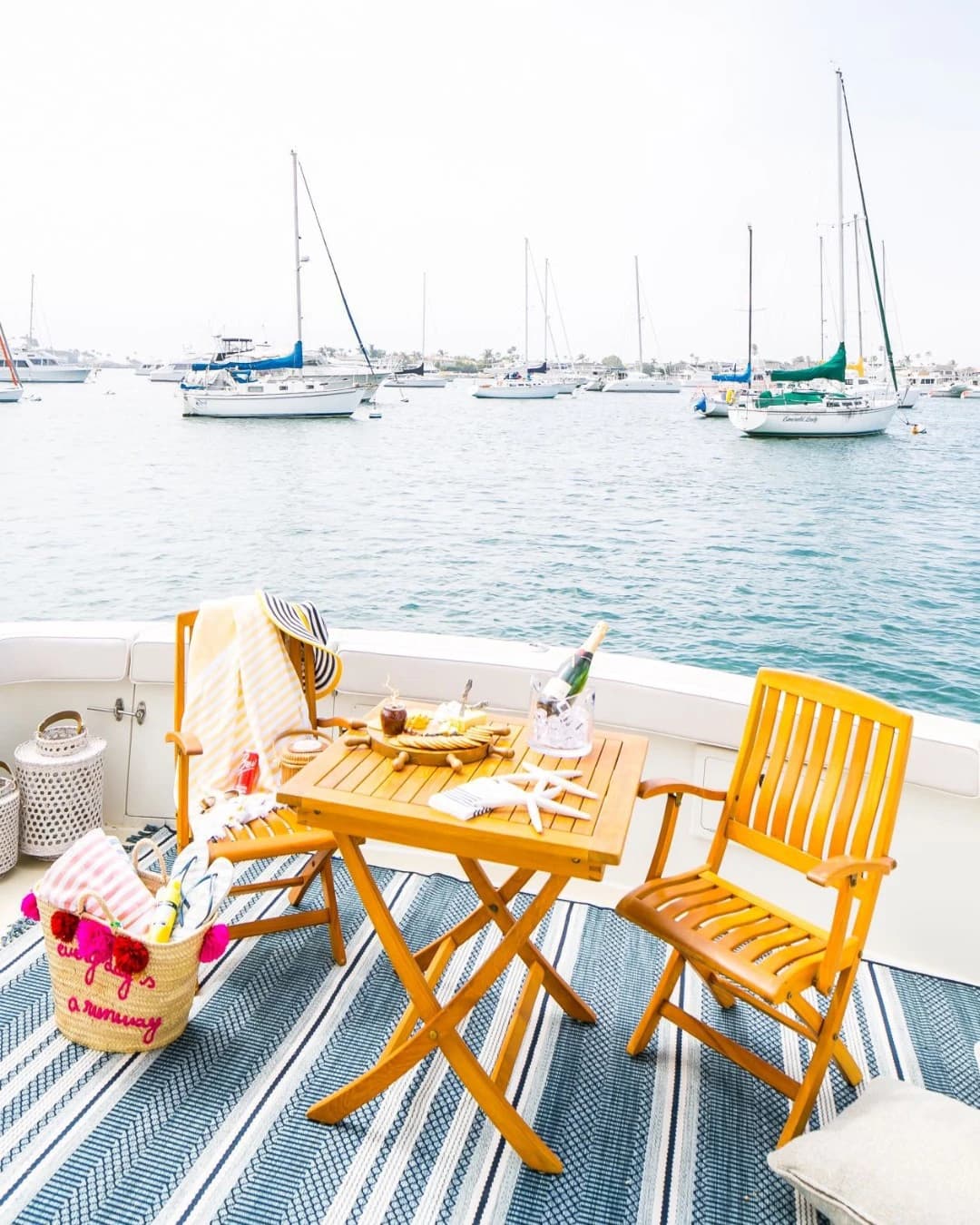
Serene boat dining with picnic setup on yacht deck featuring sailboats.

Elegant pool terrace with wooden sofa in a luxury setting.
Automatically create SEO-friendly, accessible alternative text for your images without leaving your favorite tools. Save time and improve rankings in minutes.
Empowering businesses worldwide with Web Content Accessibility Guidelines (WCAG) compliant and descriptive alt text for images.
Winn Hotel Group
★★★★★
Just tried out the Webflow plugin and it works perfectly for us! Great support, thank you so much.
Visit website
Results you can measure
★★★★★
It's a nice system. I will use the WordPress plugin when I build new sites so they all have correct alts on handover. Many thanks.
Visit website
Sport Photo
★★★★★
Thanks, the WordPress plugin works great. It has a lot of useful features and the support is great.
Visit websiteSave 20+ hours generating alt text for your images by using our Alt Text Generator integrations for the most popular platforms. We are the most trusted alt text generator with 27+ integrations and counting.
Automatically generates alt text for your images in WordPress and WooCommerce.

Create alt text for your images right from Google Chrome with our alt text generator chrome extension.

Automate the creation of alt text for product and blog images in your Shopify store.

Generate alt text as you surf the web for any image on the internet using Firefox.

Easily generate alt text for images directly within the DatoCMS dashboard.

Generate alt text for any image right from your Microsoft Edge browser.

Generate alt text easily for images right from your Wix site editor to improve SEO.

Create descriptive alt text for images right from your Webflow site.
Generate alt text for your Joomla site using our alt text generator.

Add alt text for images directly in Figma files to make designs more accessible.

Create alt text for images directly in Framer files and Framer CMS to improve accessibility.

Integrate alt text generation for images into your Zapier workflow.
Generate alt text for your Drupal site using our alt text generator module.

Integrate alt text generation for images into your Make workflow.

Connect Alt Text Generator with 1,500+ apps using Integrately workflows.

Integrate alt text generation for images into your Pipedream workflow.

Generate alt text for your Craft CMS assets using our alt text generator plugin.
Generate alt text for your Statamic assets using our alt text generator addon.

Generate alt text for your Magento product store images using our alt text generator extension.

Generate alt text for your BigCommerce product store images using our alt text generator app.

Integrate alt text generation for images into your Pabbly Connect workflow.

Generate alt text for images in your Bubble app using our plugin.

Generate alt text for images directly in Visual Studio Code to improve accessibility and SEO.

Integrate alt text generation API into your applications through RapidAPI marketplace.

Automate Alt Text Generator workflows with OttoKit across your favorite apps.

Integrate alt text generation for images into your Viasocket workflow.

Batch-generate alt text for hundreds of images with the Apify Actor.
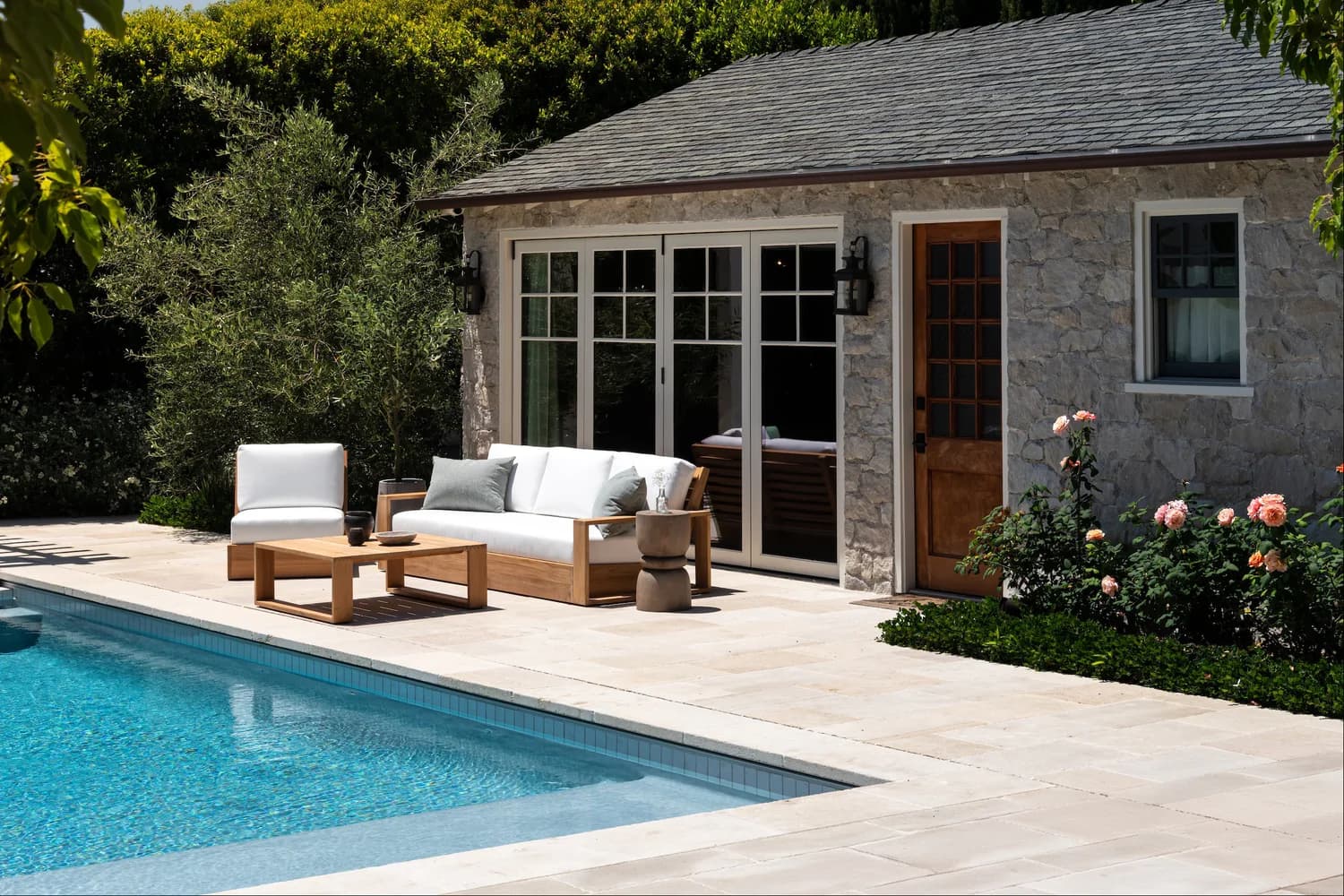
Luxurious backyard with a clean swimming pool, modern lounge furniture, and a stone-clad building, surrounded by greenery and blooming roses.
Improve your image SEO, accessibility, and search rankings with our image alt text generator. Automatically create descriptive, keyword-rich alt text for websites, eCommerce, and social media platforms like Instagram and Pinterest.
Automatically generate high-quality alt text to improve rankings and accessibility for any image
Generate Instagram alt text to boost reach, accessibility, and engagement on posts and stories
Create Pinterest alt text to improve pin discoverability and drive more traffic
Alt Text Generator AI helps you create accurate, descriptive alt text automatically—improving accessibility, strengthening your SEO, and increasing user engagement. By making images easier to understand for visually impaired users, it also helps search engines better index your content.
Our alt text generator supports compliance with Web Content Accessibility Guidelines (WCAG 2.1 and WCAG 2.2), including Success Criterion 1.1.1 (Non-text Content), ensuring your images are accessible to screen readers. With an AI-powered alt text generator, you can boost your website’s rankings, attract more organic traffic, and meet accessibility standards.
Adding alt text for images can increase your organic CTR by 12%
Alt text can increase the number of clicks on your website by up to 80%
Help Google better understand your content by including alt text SEO for your images.
Over half of websites on the web have missing alt text for their images.
Enable 8.1 million visually impaired Americans to understand your images through screen readers.
Avoid potential legal issues by meeting ADA requirements. 11,000+ web accessibility lawsuits were filed in 2022 alone.
Create an inclusive experience for all users, regardless of ability, improving overall satisfaction and engagement.
Provide context when images fail to load due to slow connections or technical issues, affecting up to 20% of page views.
Increase SEO and page accessibility by adding alt text to your images. Writing descriptions for every image on your site is boring and time-consuming. Use our AI alternative text generator to automate your alt text generation and rank your website to the top.
Automatically analyzes images upon upload to generate alt text for images.
Alt Text Generator utilizes the most powerful AI models to understand and describe image content accurately, including objects, text, and context.
Supports multiple languages for alternative text generation. We add new languages every day.
Our alt text generator automatically adjusts the length of the generated alt text to ensure it is concise and informative.
Availability to edit the generated alt text for your images.
Ensures generated alternative text aligns with WCAG 2.1/2.2 (Success Criterion 1.1.1 Non-text Content), Section 508 (U.S. Rehabilitation Act), and EN 301 549 (EU accessibility standard).
Generates alt text with SEO best practices in mind, improving search engine visibility.
Our text generator integrates directly with WordPress, Shopify, Chrome, Firefox, DatoCMS for automatic alt text generation.
Ensures that image alt text data is handled securely and complies with privacy regulations.
Our alt text generator produces high-quality alt text for images in over 35 languages, helping you reach a global audience and improve accessibility worldwide. Improve your alt text SEO with our free alt text generator today.
Answers to common questions about how to use Alt Text Generator AI.
Alt text, or alternative text, is a brief description that makes your images accessible to visually impaired users and improves SEO.
Alt stands for 'alternative' and refers to the descriptive text displayed when an image fails to load. It's essential for accessibility and SEO.
Alt text bridges the gap between visuals and accessibility by describing images to screen readers. It also boosts your website's search visibility.
Effective alt text should be concise, specific, and relevant. Describe the image in a way that provides value to all users.
Yes! Search engines use alt text to understand your images, which can enhance your site's rankings.
Great alt text examples might include: 'A golden retriever playing in a park' or 'A laptop on a wooden desk with a coffee mug.'
Our alt text generator uses advanced AI to analyze your images and generate accurate, descriptive text. Just upload your image, and let the magic happen!
Avoid keyword stuffing, leaving alt text blank, or using vague terms like 'image' or 'picture.'
The best practices for writing effective alt text are to keep it concise, descriptive, and relevant to the image purpose. Always add value to the surrounding content and avoid repeating nearby text and skip phrases like “image of” or “photo of”.
Yes, in many countries, including the U.S. and across the EU, alt text is a legal requirement to ensure digital accessibility. In the U.S., laws like the ADA and Section 508 require websites to be accessible, which includes providing descriptive alt text for images. The EU Web Accessibility Directive and EN 301 549 impose similar rules for public sector websites and mobile apps, aligned with WCAG 2.1 standards.
Missing alt text can lead to legal action, especially for e-commerce, government, education, healthcare, and financial services websites.
Alt text is crucial for web accessibility and SEO. It helps visually impaired users understand your images and helps search engines rank your content better. Read our detailed guide to master the art of writing effective alt text.
Keep alt text concise and specific, usually around 80 to 125 characters when possible. Focus on the key meaning of the image rather than listing every visual detail.
Include relevant keywords only when they naturally describe the image context. Avoid keyword stuffing, and prioritize clarity and accessibility first.
Yes. AI can generate fast, useful first drafts for alt text at scale. You should still review important images to ensure accuracy, context, and brand tone.
Alt text describes an image for accessibility and search engines, while an image title is mostly a tooltip or metadata label. They serve different purposes and should not be copied blindly from one another.
Decorative images should use a null alt attribute (alt="") so screen readers can skip them. This reduces noise for users relying on assistive technology.
Mention the product type, key attributes (such as color, material, or size), and any visible context that helps shoppers understand the image quickly.
Summarize the main takeaway first, then include essential data context like trend direction, comparison, and timeframe. Keep it focused on insight, not every data point.
Yes, missing alt text reduces image context for search engines and weakens accessibility signals, which may limit image discoverability and overall page quality.