Alt Text Generator AI Microsoft Edge Add-On
Generate SEO-friendly alt text for any image on the web, in 130+ languages

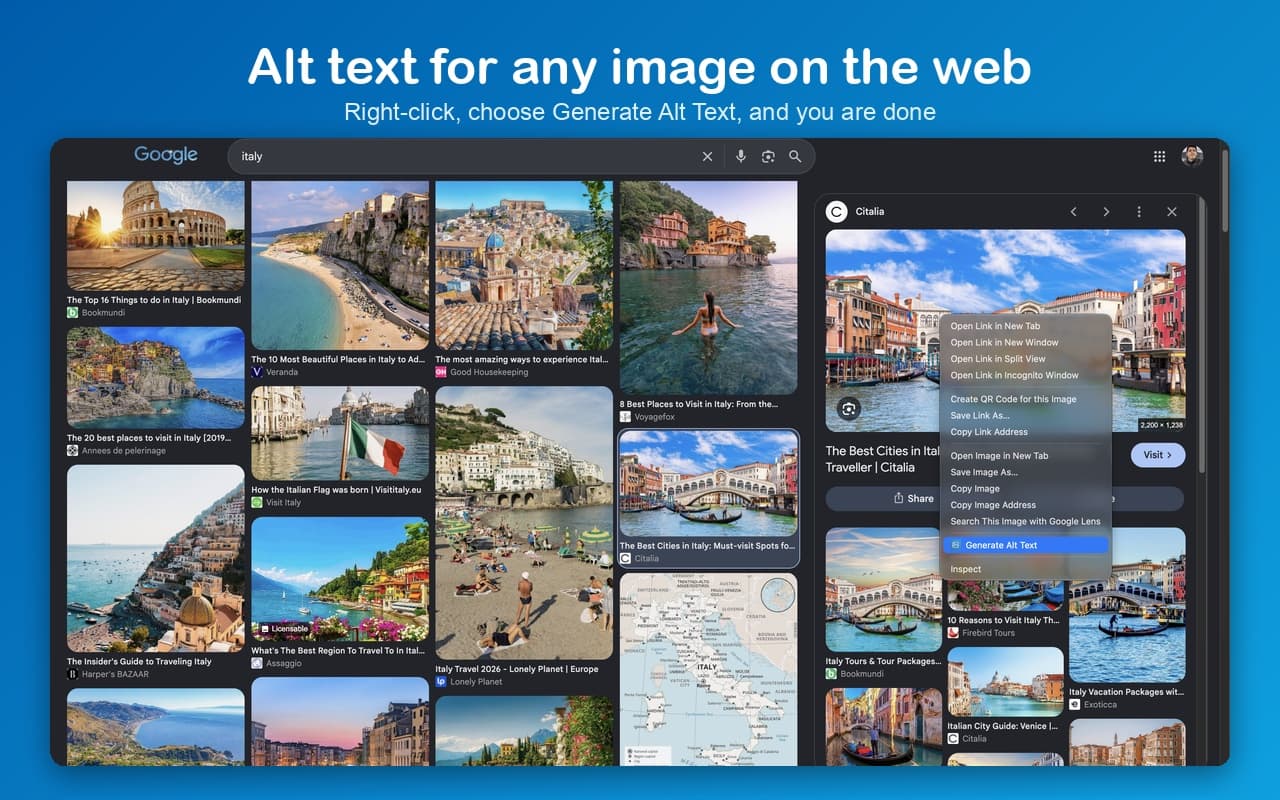
Right-click
Alt text for any image
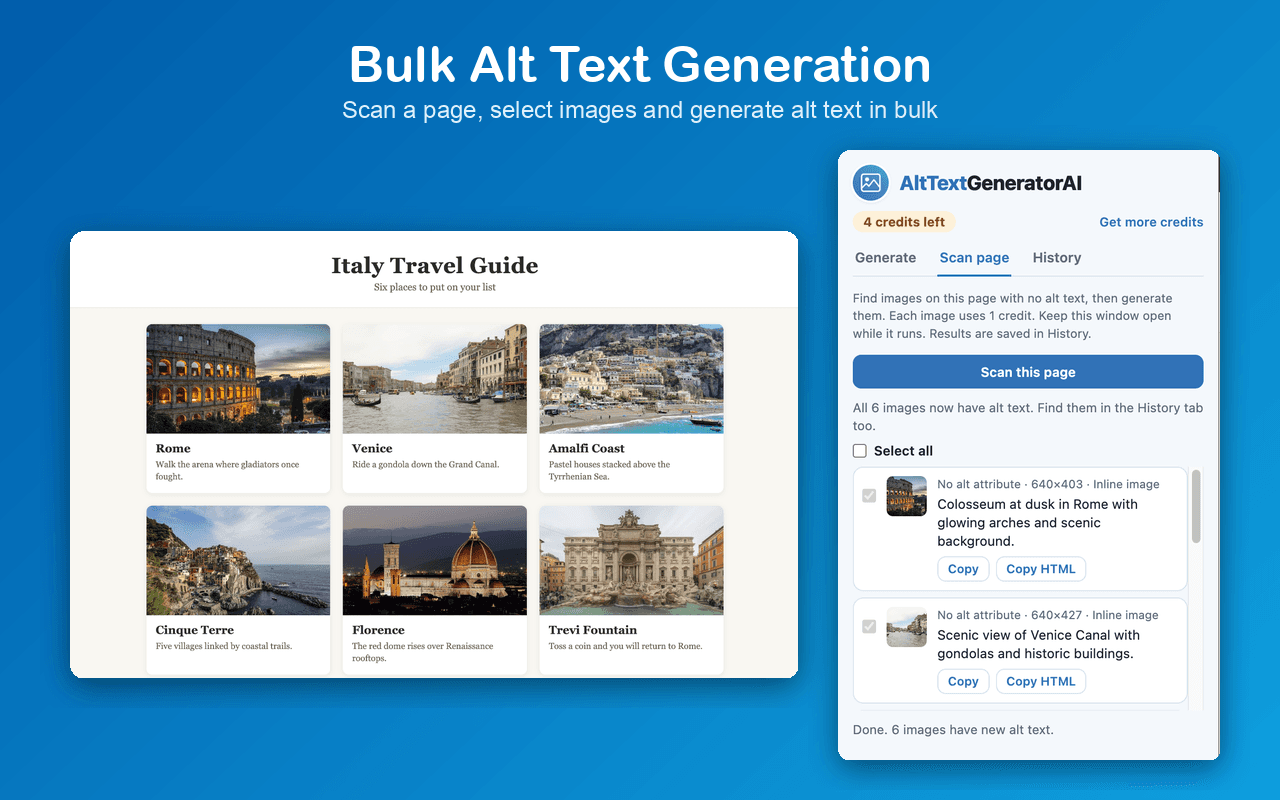
Bulk
Scan a whole page
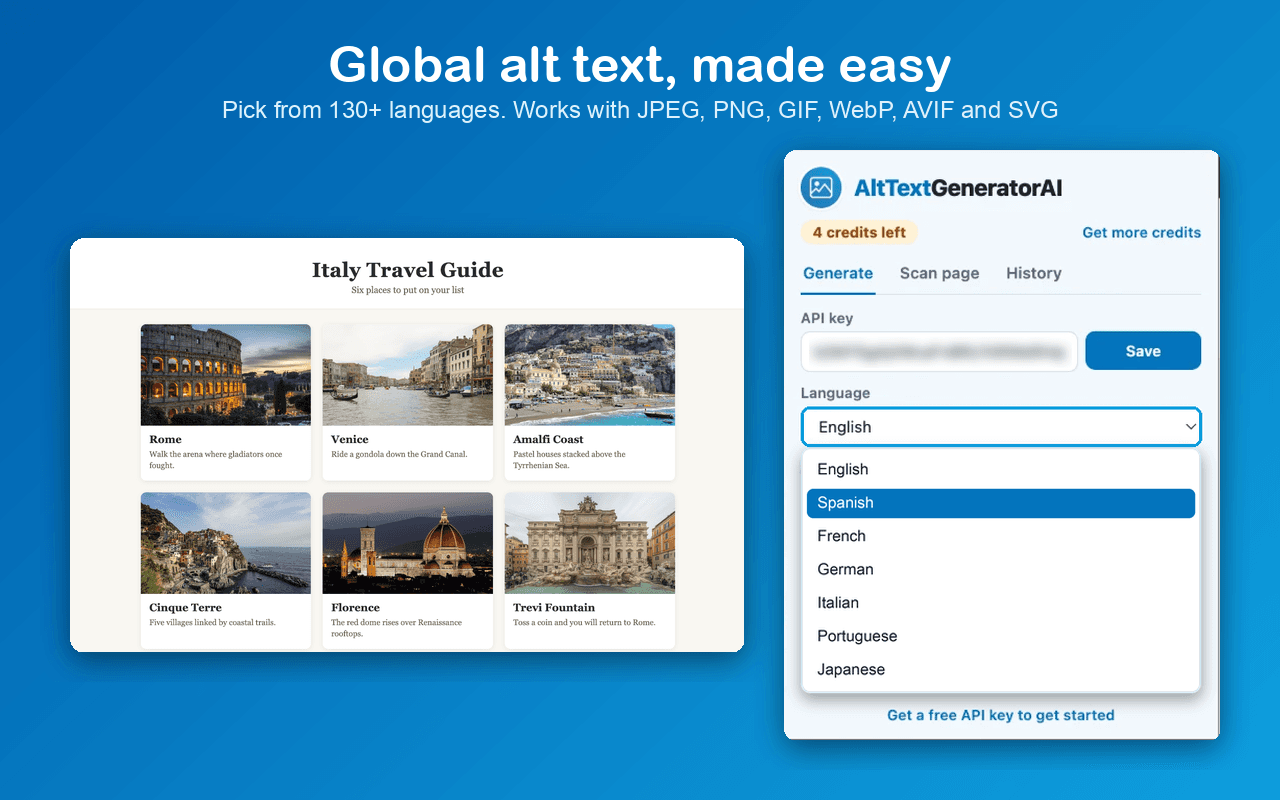
130+
Languages
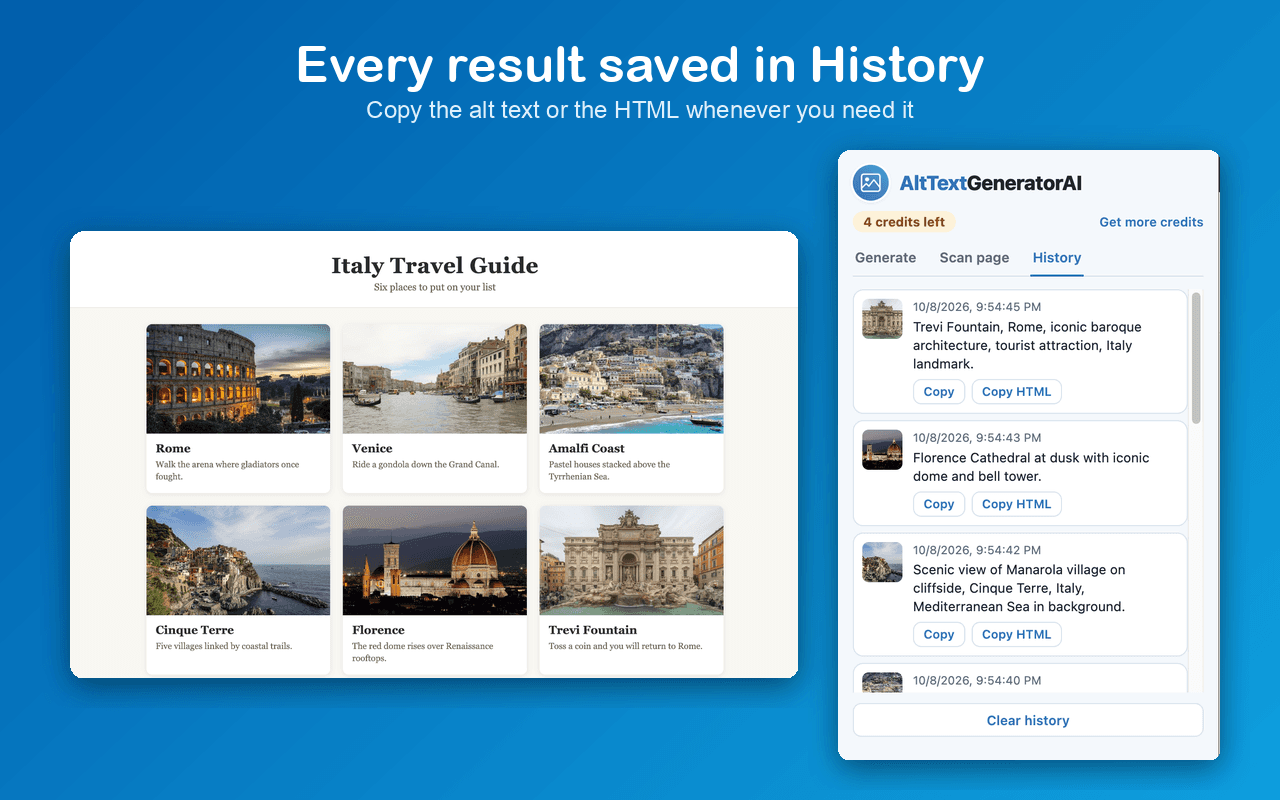
History
Your last 50 results
WCAG
& ADA compliant
Alt Text Generator AI is an AI-driven tool that writes descriptive, SEO-friendly alt text for your images. The Microsoft Edge Add-On brings it to your browser: right-click any image, or scan a whole page and generate alt text in bulk.
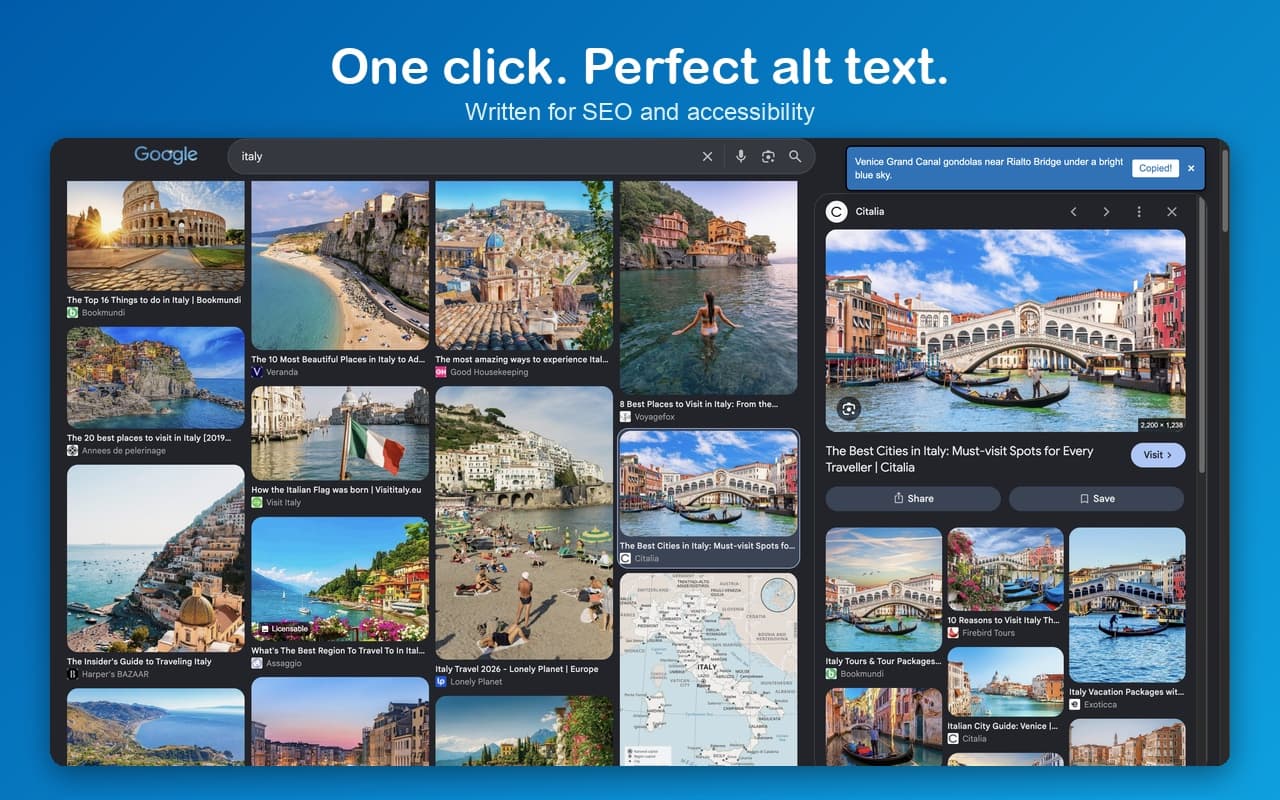
Improve your image SEO and accessibility without leaving the page. The result is copied for you, as text or as a ready-to-paste alt attribute, and your last 50 results are saved in History.
Right-Click to Generate
Right-click any image and choose Generate Alt Text. The alt text appears on the page in seconds.
Bulk Alt Text Generation
Scan a page, select the images that have no alt text and generate them all at once.
130+ Languages
Write alt text in English, Spanish, French, German, Japanese, Arabic and 120+ more languages.
All Image Types
Works with JPEG, PNG, GIF, WebP, AVIF and SVG images.
Copy Text or HTML
The alt text is copied for you. Copy it again as text, or as a ready-to-paste alt attribute.
History
Your last 50 results are saved in your browser, with thumbnails.
Keyboard Shortcut
Hover an image and press Option + Shift + A (Alt + Shift + A on Windows).
Free Credits
Sign up to get 2 free credits and test the alt text generator. Credits never expire.
Activate Your Add-On
To activate the Microsoft Edge Add-On, copy your API key from your dashboard, open the add-on, paste the key and click Save.