How to Add Alt Text to Images in Figma
Alt Text Generator Figma Plugin - Complete Tutorial
5 min
Setup time
2
Free credits
35+
Languages
6
Image formats
WCAG
Compliant
Alt Text Generator AI Figma Plugin makes it easy to automatically generate SEO-optimized alt text for images and image fills in your Figma files. Follow this step-by-step tutorial to get set up in minutes.
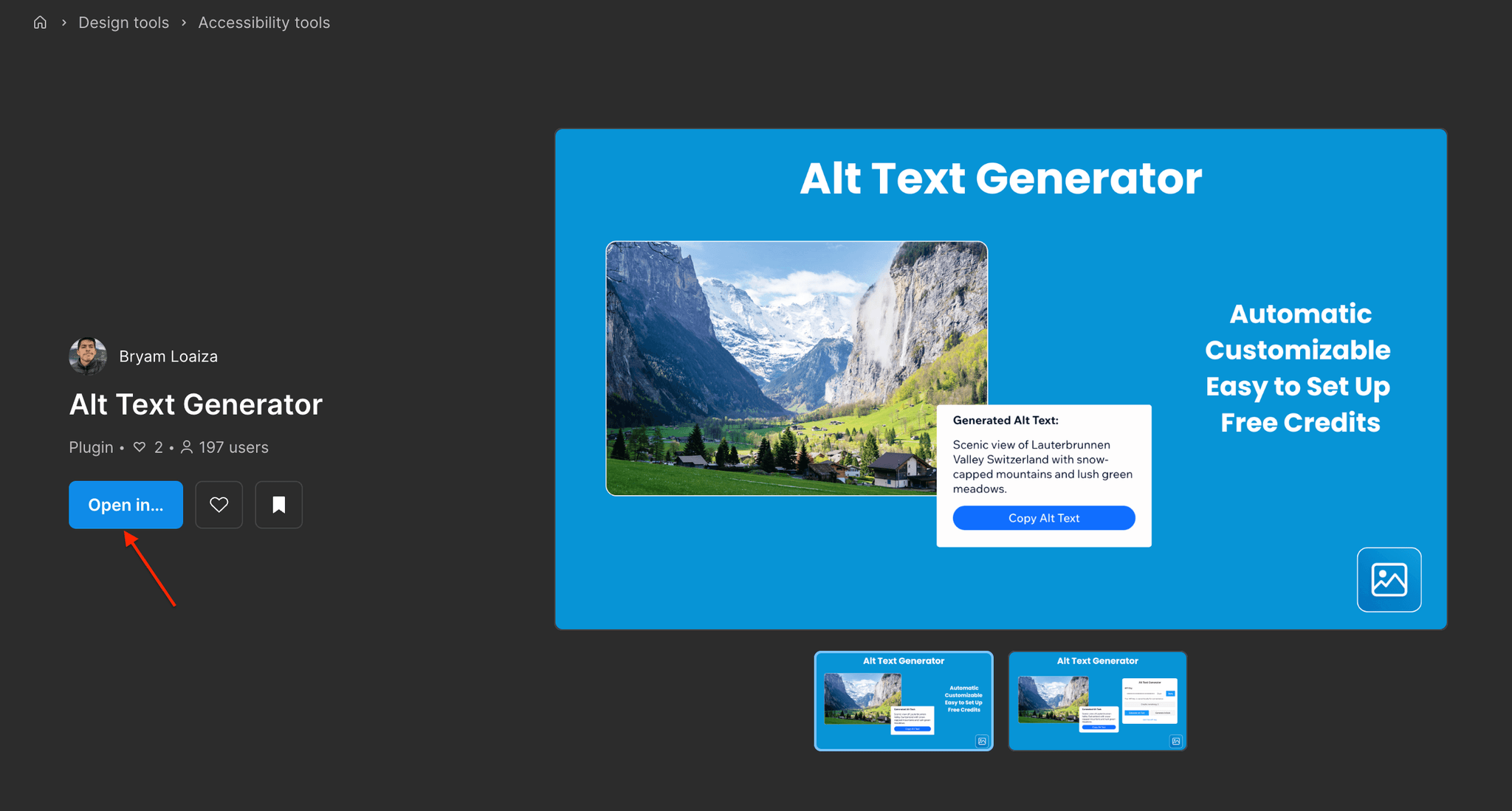
Installing the Plugin
- Open Figma in the browser or desktop app
- Go to the Alt Text Generator page in the Figma Community
- Click Open in Figma and select your file, you will see the plugin appear in the file
- You can also open the plugin via Plugins → Alt Text Generator
Setting Up Your API Key
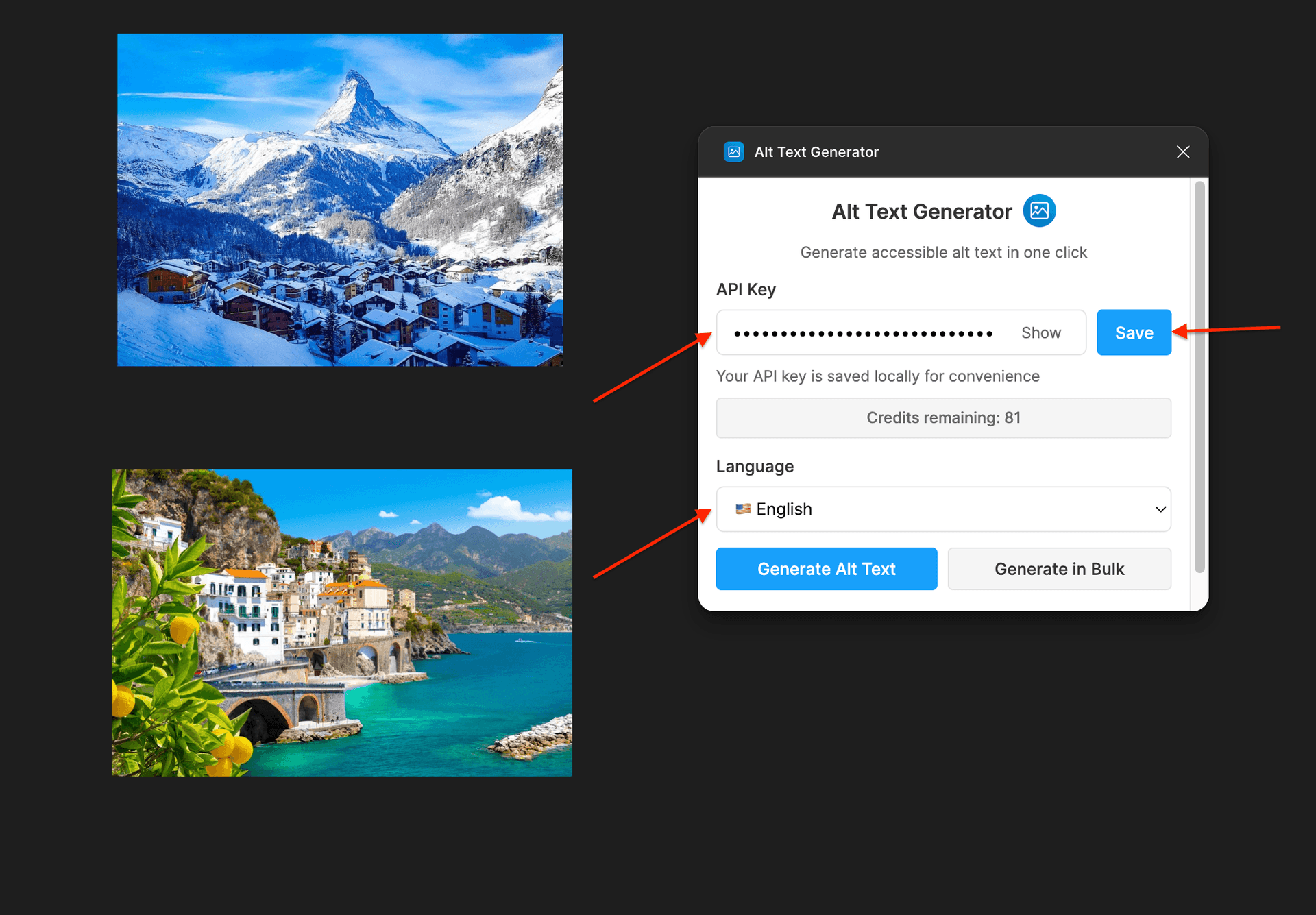
- Create an account on AltTextGeneratorAI.com
- Open your dashboard and copy your API key
- Run the Alt Text Generator plugin in Figma
- Paste your API key into the plugin settings
- Save API Key and you are ready to go. You can also choose the alt text language here.
⚠️Your API key is unique to your account—do not share it publicly.
Generate Alt Text for an Image
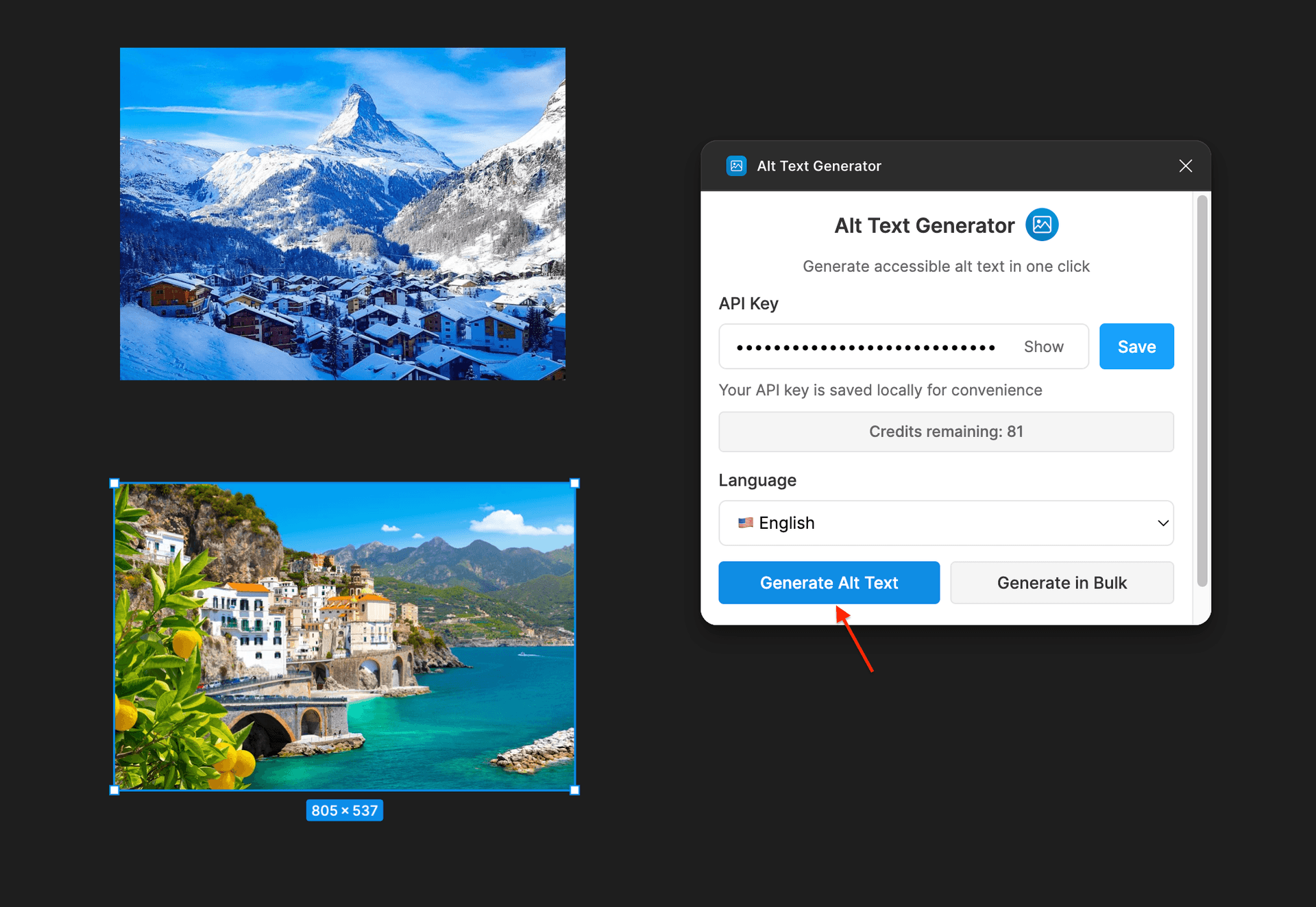
- Select an image in your file
- Click the Generate Alt Text button
- Done! You can now see the alt text in the image
Generate Alt Text in Bulk (Multiple Images)
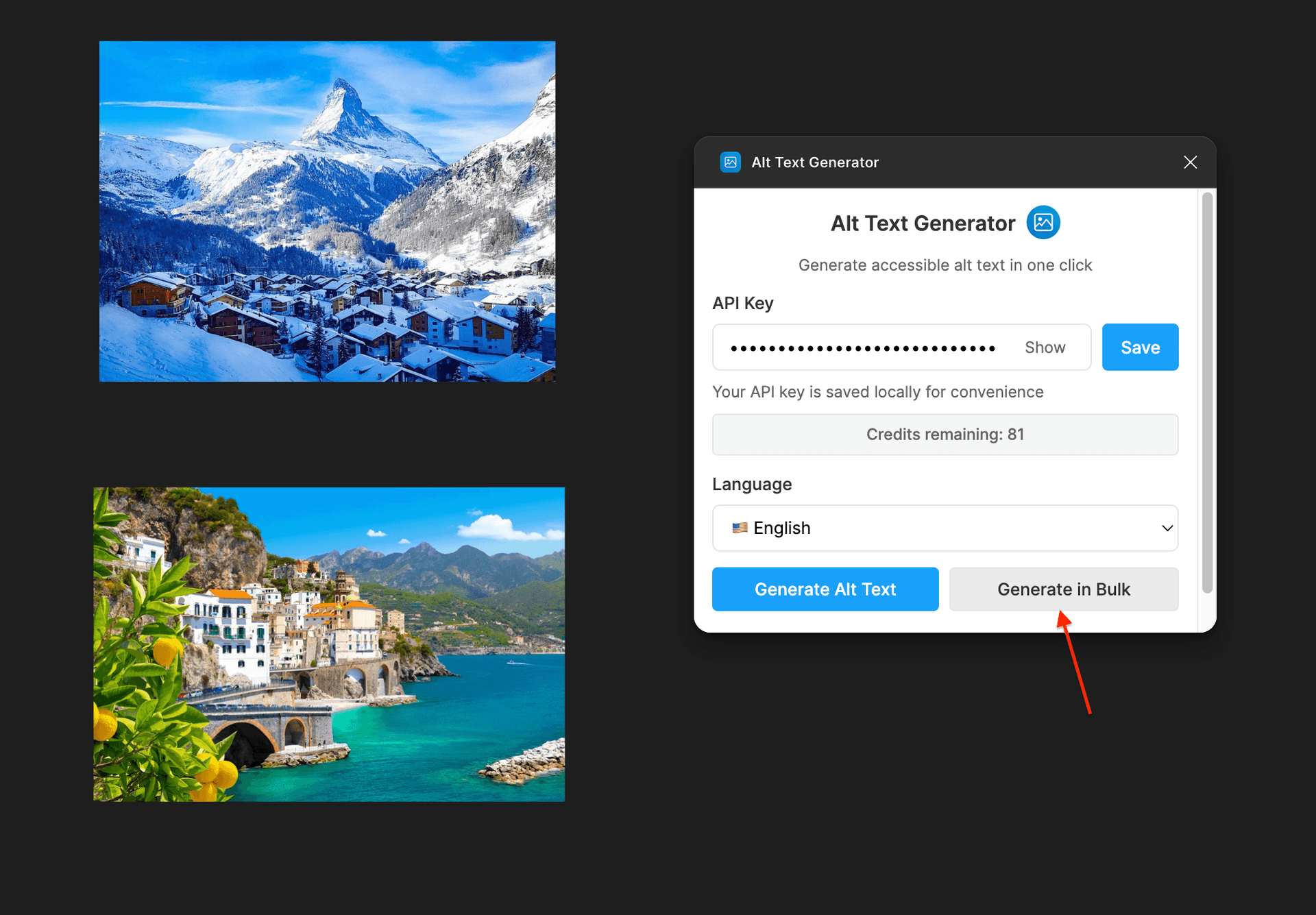
- Click the Generate in Bulk button
- All images in the file will be selected automatically and alt text will be generated at once
- Done! You can now see the alt text in the images
Plugin Features
Alt Text Generator for Figma uses AI to produce descriptive alt text for images in your files—supporting SEO thinking early in design and clearer handoff for accessible products.
Fast generation
Generate alt text from inside Figma without copying assets elsewhere or breaking your flow.
Customizable
Edit AI suggestions to match tone of voice, legal wording, or product naming before handoff.
Easy to set up
Install from Community, paste your API key from the dashboard, and start generating in about five minutes.
Free credits
Two free credits when you sign up so you can validate quality on your own components and marketing art.
Broad image support
Works with common raster formats you use in UI work—same broad format support as our other integrations.
Many languages
Generate alt text in 32+ languages for localized files and multi-market design systems.
Design-to-dev alignment
Capture descriptions where designers work so engineering and content get consistent guidance.
Works with your file structure
Use the plugin on selections, frames, and groups as your team organizes pages and components.
Accessibility-minded
Outputs aim for WCAG-friendly descriptions so screen reader users get meaningful image context.
Why Bother Writing Alt Text Manually?
❌ Writing alt text by hand in Figma
- •Dozens of hero, card, and icon images per project add up fast
- •Alt text is often skipped during tight deadlines
- •Inconsistent wording between designers and files
- •Re-explaining every image to devs in tickets or Slack
✅ With Alt Text Generator AI
- •Generate a solid first draft for each image in seconds
- •Keep accessibility on the critical path, not an afterthought
- •Same AI quality as figma, Webflow, and the rest of our stack
- •Less back-and-forth—descriptions live next to the design
Figma Alt Text FAQs
What is Alt Text Generator AI for Figma?
Alt Text Generator AI plugin uses AI to generate descriptive alt text for images in your files, so you can design with accessibility and SEO in mind before build.
How do I install the plugin?
Open our Figma Community listing, click Install, then run it from Plugins in any file. Add your API key from the dashboard.
Do I need an account?
Yes. Sign up on Alt Text Generator AI to get an API key and free trial credits. The plugin uses that key to generate text securely.
Can I edit generated alt text?
Yes. Treat AI output as a first draft—you can refine wording for brand, legal, or accuracy before handoff.
What image formats are supported?
The same core raster types supported across our platform (e.g. JPEG, PNG, WEBP, GIF)—aligned with what you typically embed in UI work.
Is generated alt text good for SEO?
Descriptive, human-readable alt text helps search engines understand images when those assets ship to the web. Always review for your CMS and markup.
Can I use the same API key elsewhere?
Yes. One account can power figma, Webflow, the browser extension, API calls, and Figma with the same key and credit pool (per your plan).
Other Integrations


Ready to Get Started?
Install the Figma plugin and start generating alt text in your files today. Get 2 free credits on sign up!