How to add alt text on BlueSky
Guides•10/9/2026•Bryam Loaiza
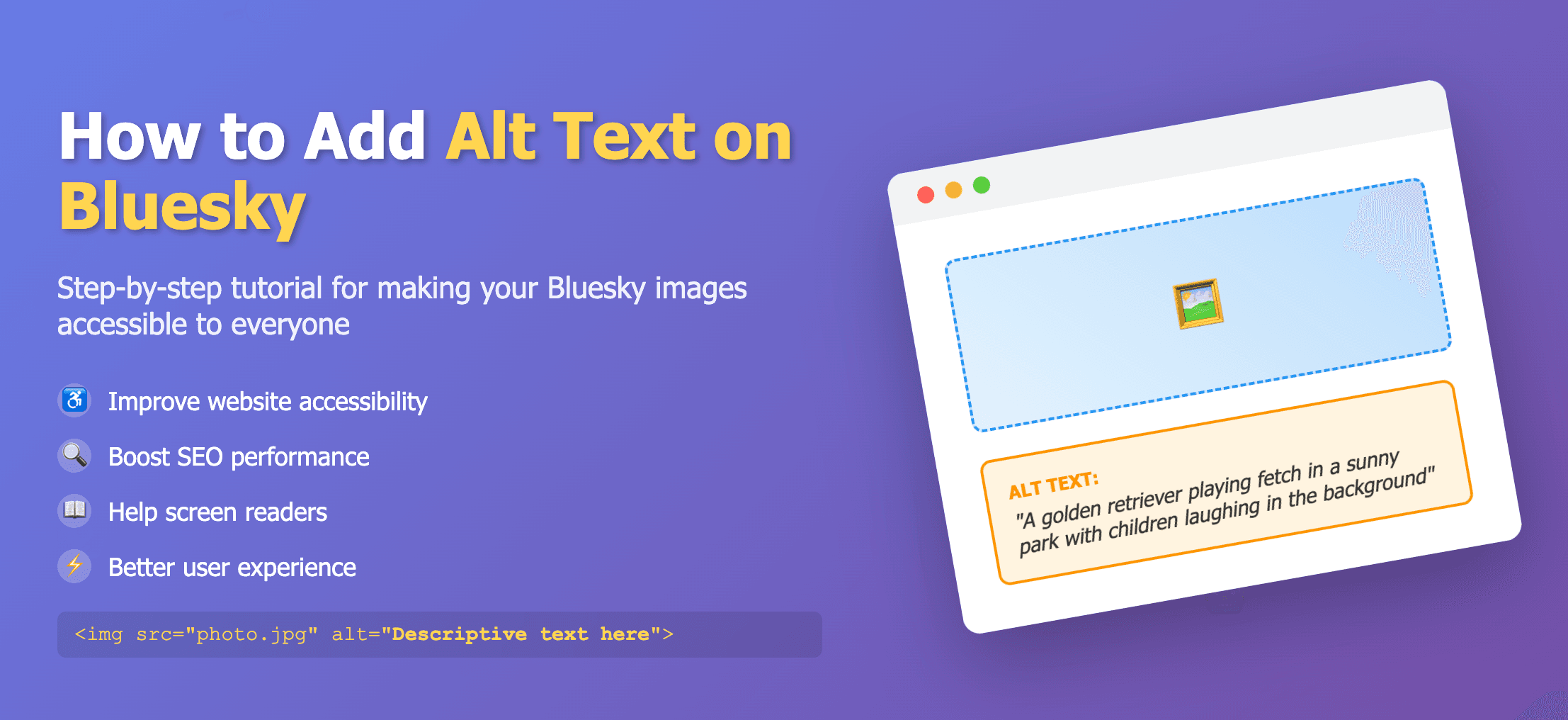
Write or edit descriptions as you post
BlueSky supports long descriptions—around 2,000 characters. Add alt text while composing your post.
Steps
- Create a post and attach an image or GIF.
- Select Add description under the image.
- Edit any generated text or write your own description.
- Choose Done, then publish.
For galleries, add alt text to each image. Viewers can read it by tapping the ALT badge.