How to add alt text on Facebook
Guides•10/9/2026•Bryam Loaiza
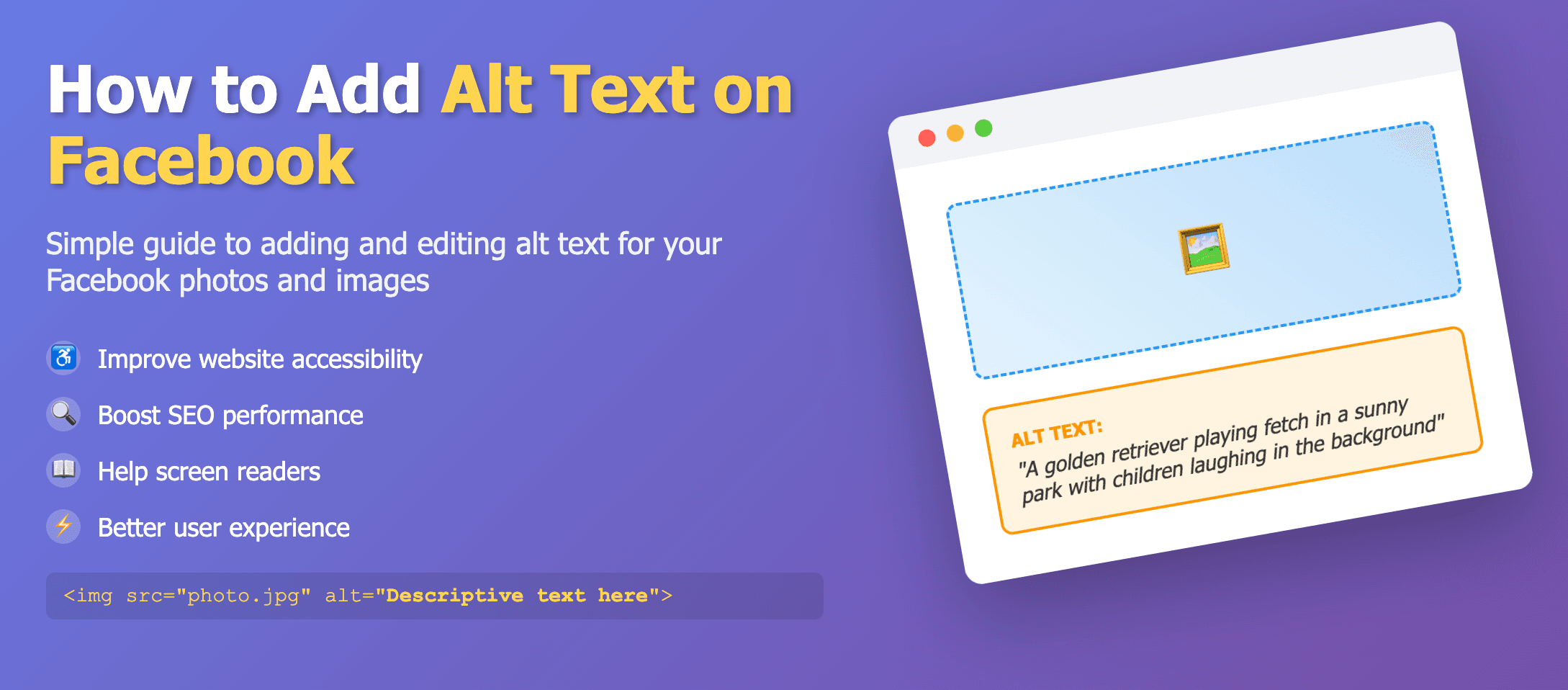
Edit photo → Alt text → Override generated text
Facebook supports alt text around 100 characters and allows editing after posting.
New posts
- Create a post and attach an image.
- Choose Edit photo → Alt text.
- Override the generated text and enter your own.
- Save.
Existing posts
- Open the photo → Options → Change Alt Text.
- Write or replace the description and save.