How to add alt text on Instagram
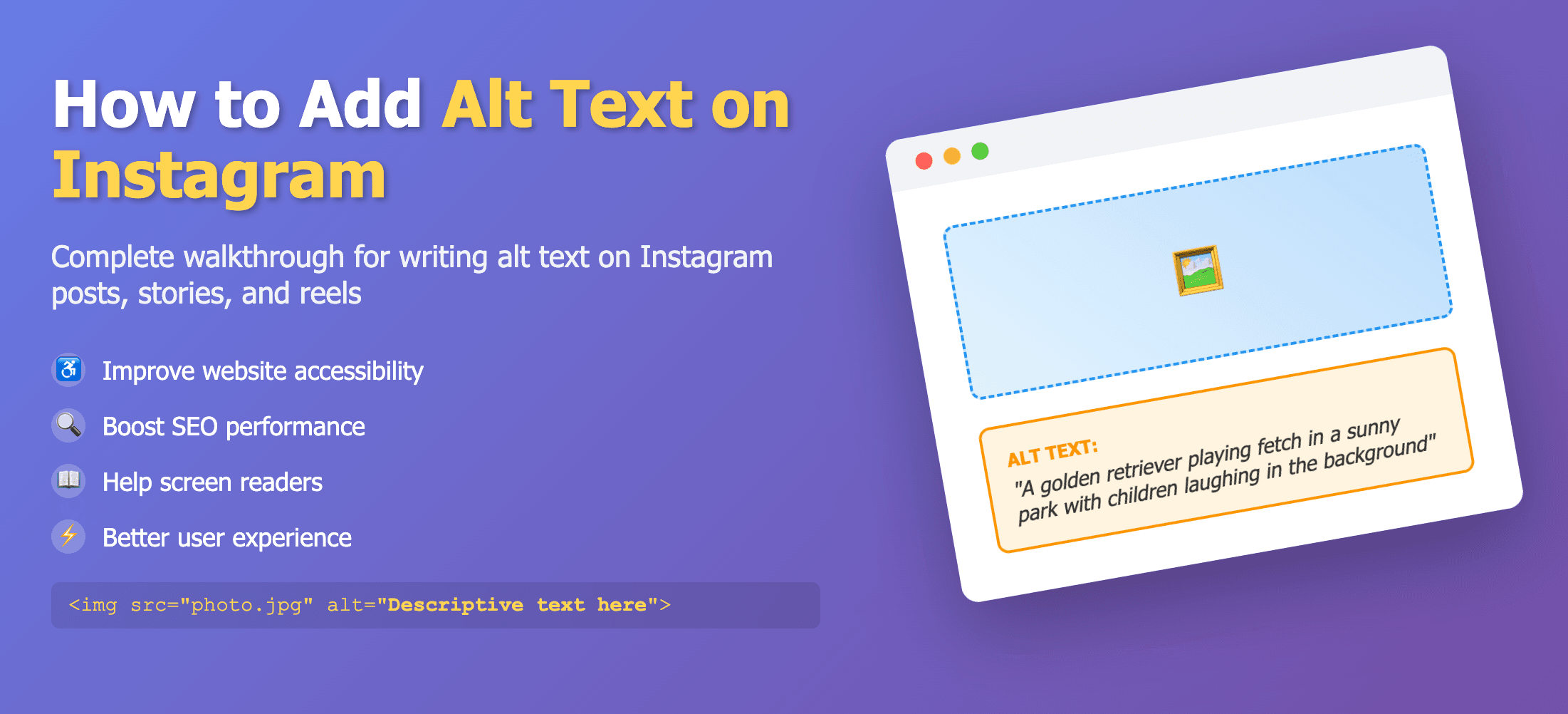
Write alt text in Advanced settings or edit later
Instagram supports shorter alt text (around 100 characters) and lets you edit alt text after posting.
New posts
- Create a post.
- Open Advanced settings → Write alt text / Compose alt text.
- Enter your description and save.
Existing posts
- Open the post → ⋮ Edit.
- Tap Alt text above the image and add your description.
- Save your changes.