How to add alt text on LinkedIn
Guides•10/9/2026•Bryam Loaiza
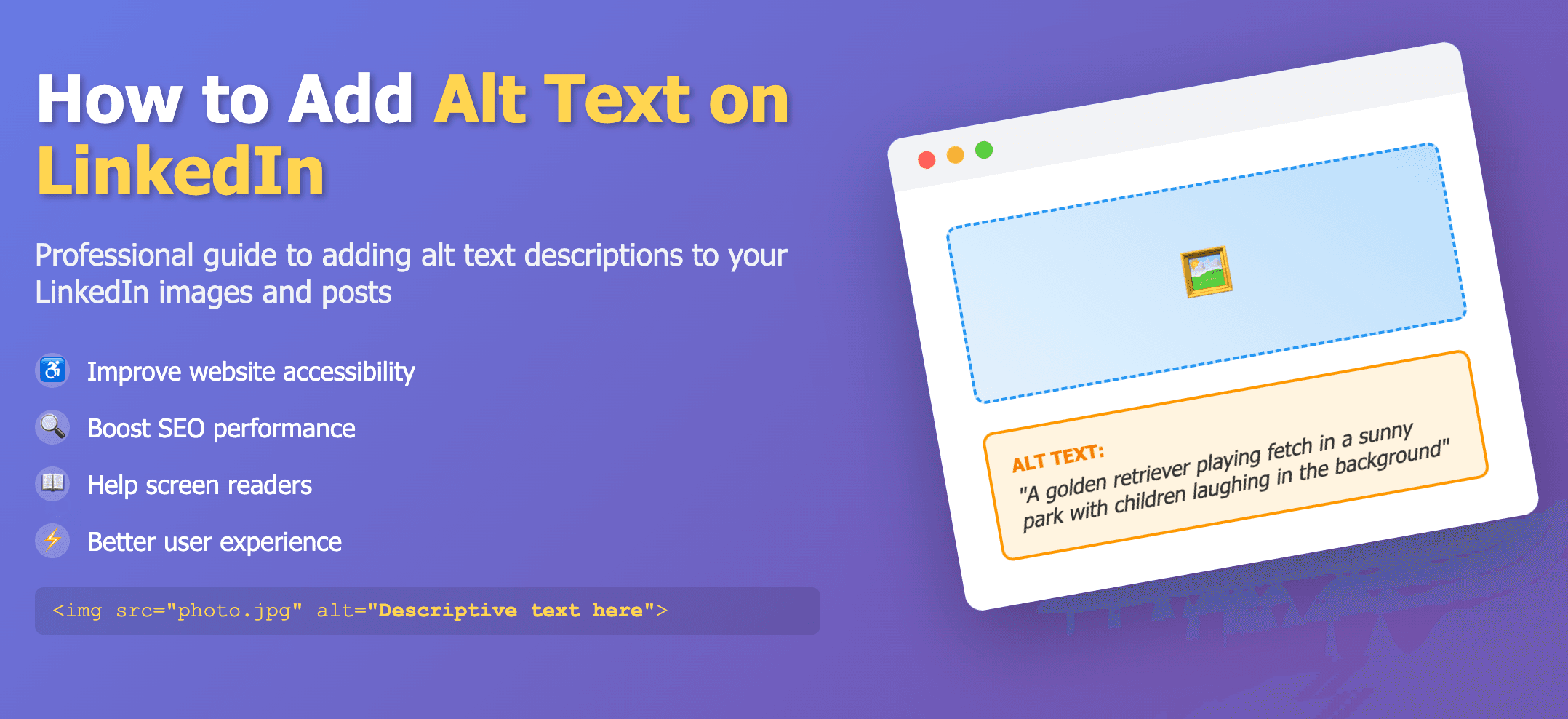
Add alt text while composing on the web
LinkedIn supports alt text of roughly 120 characters. Add it when composing on the web (mobile editing is limited).
Steps
- Create a post and attach an image.
- Select Add alt text in the lower‑left of the image.
- Write your description and save.