How to add alt text on Threads
Guides•10/9/2026•Bryam Loaiza
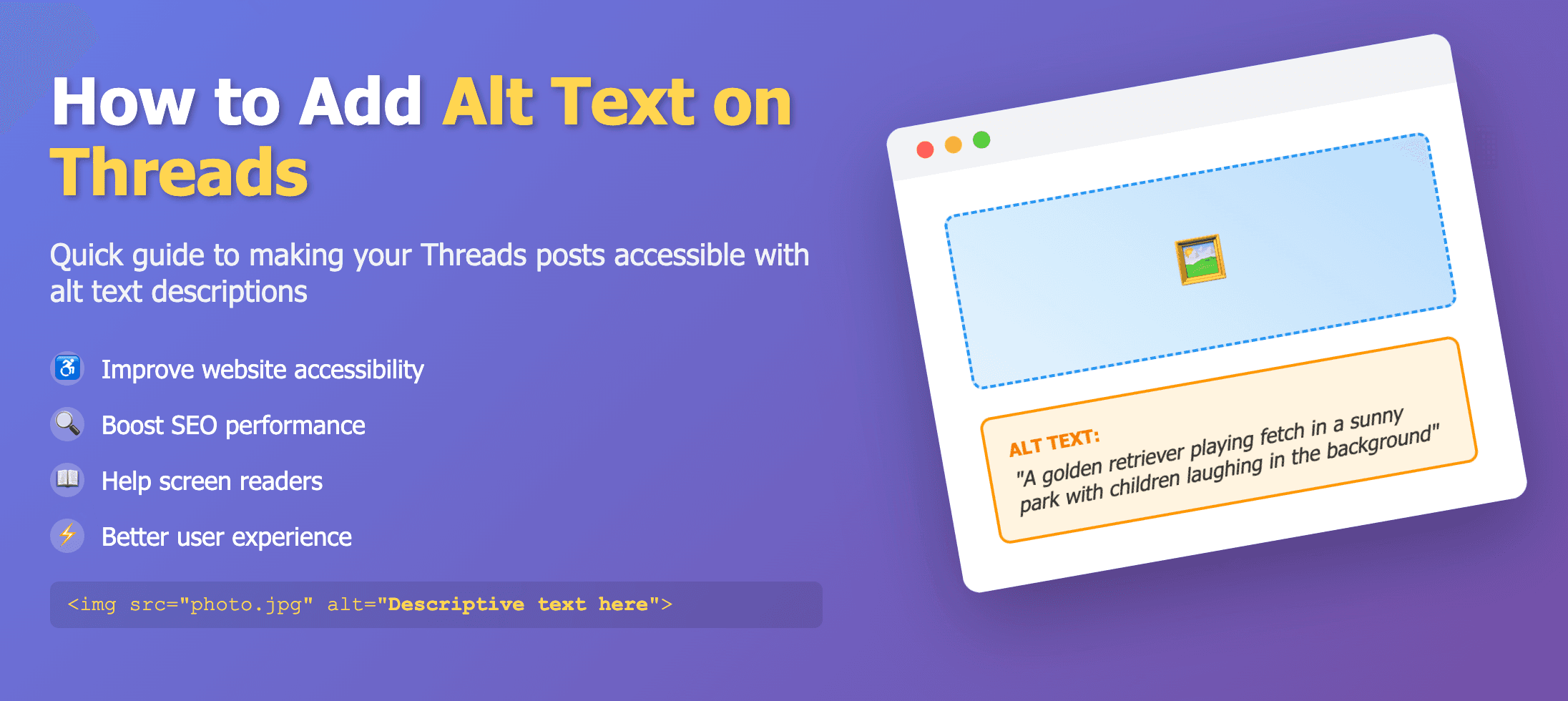
Edit photo → Alt text → Override generated text
Threads supports descriptions up to roughly 1,000 characters.
Steps
- Create a new thread and attach an image.
- Select Edit photo → Alt text.
- Override any generated text and write your own description.
- Save, then publish.