How to add alt text on Twitter/X
Guides•10/9/2026•Bryam Loaiza
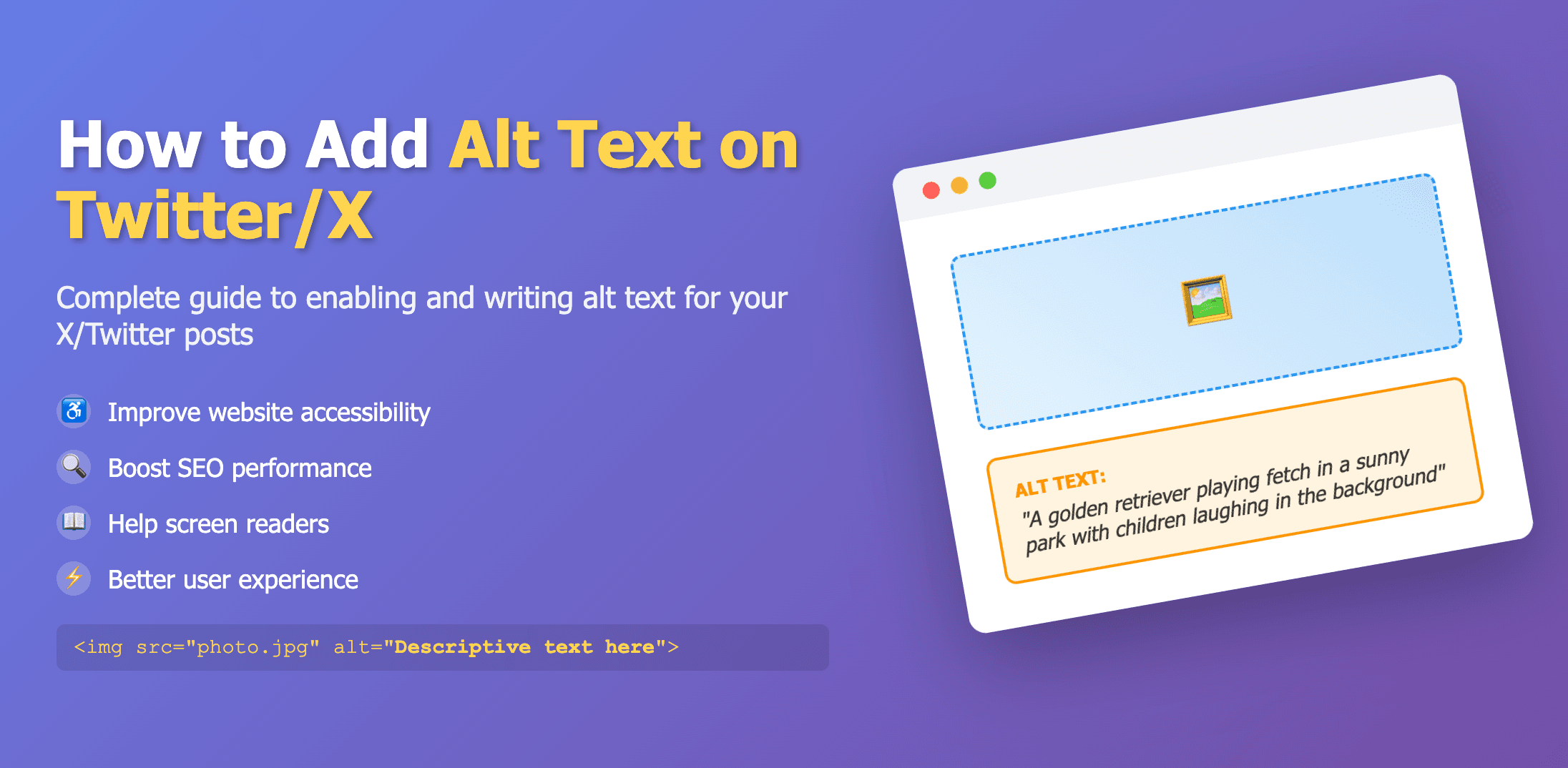
Add descriptions as you post and tap ALT to view
Alt text on X (Twitter) supports roughly 1,000 characters. It has to be added during composition—there’s no edit after posting.
Steps
- Create a new post and attach an image or GIF.
- Tap Add description beneath the image.
- Write a concise description and include any important on‑image text.
- Choose Done, then publish.
For multi‑image posts, add a description to each image. Anyone can read the alt text by tapping the ALT badge on the media.