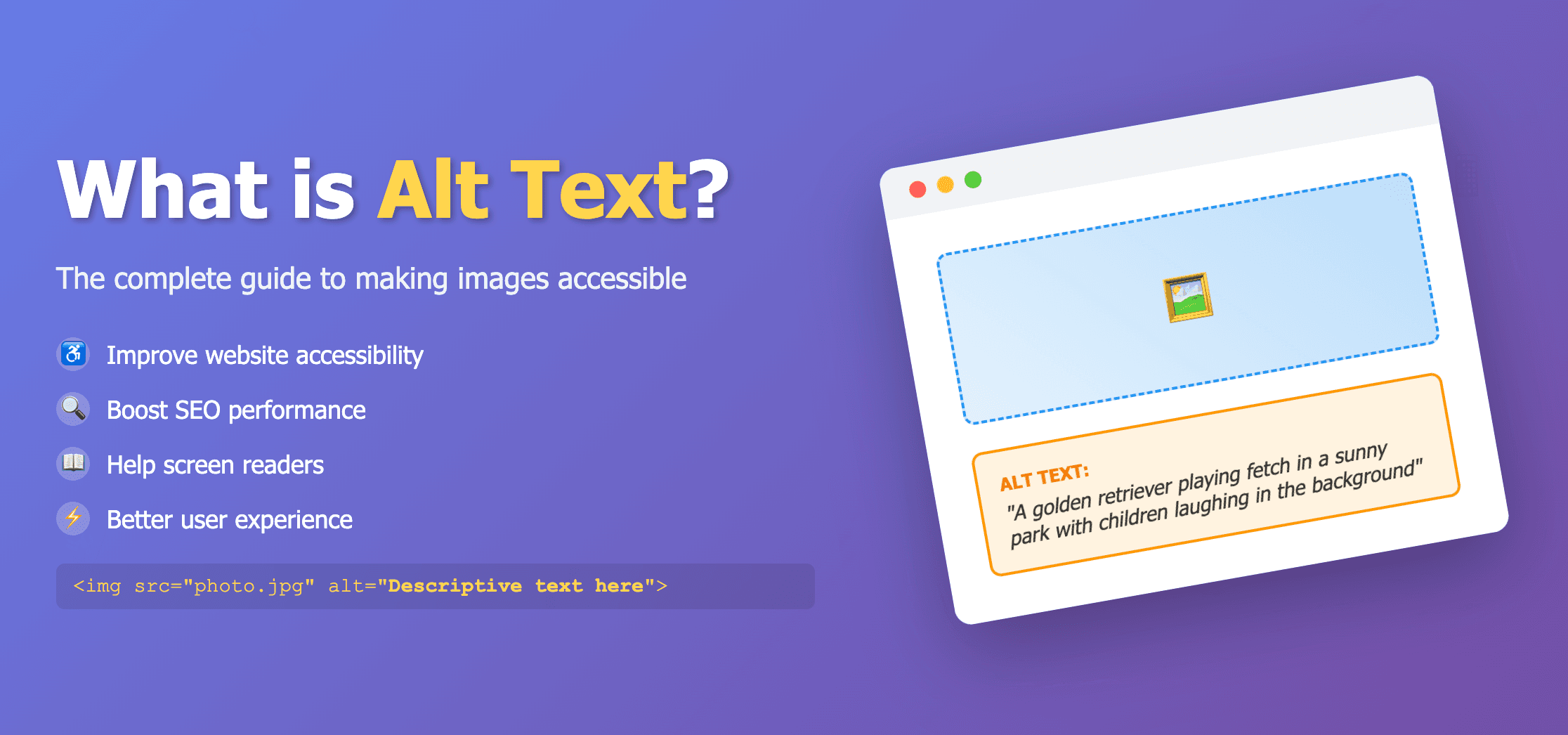
The Americans with Disabilities Act (ADA) requires equal access to goods, services, and communications. For websites, that means people with disabilities should be able to understand content even when they cannot see images. Alt text is one of the most practical places to start.
Why alt text matters for ADA accessibility
Screen reader users hear alt text instead of seeing the image. If alt text is missing, empty, or meaningless, the user loses product details, chart trends, navigation cues, and other information that sighted users receive instantly.
- Product images need descriptions of what is being sold.
- Infographics and charts need summaries of the main takeaway.
- Linked icons need alt text that explains the action or destination.
- Decorative images should be marked decorative with empty alt text.
ADA alt text checklist
- Every informative image has an alt attribute.
- Decorative images use alt="" rather than missing alt text.
- Alt text describes the image purpose, not just its file name.
- Complex visuals have enough context in alt text or nearby text.
- New pages and CMS uploads are reviewed before publishing.
Scan a live page for missing or weak alt text with the Image Alt Tag Checker, then generate better descriptions with our Free Alt Text Generator.
How ADA relates to WCAG
Courts and accessibility experts often reference WCAG when evaluating website accessibility. That makes WCAG a practical standard for ADA remediation even though ADA itself does not name WCAG explicitly in every context. Read our WCAG alt text guide for the technical details behind strong image descriptions.
Common ADA alt text problems on business websites
- E-commerce product galleries with missing alt text
- Team and headshot pages using only employee names in nearby text
- Blog images with generic alt text like blog image
- Hero banners with no text alternative for the message shown in the image
- PDFs and page screenshots uploaded without equivalent descriptions