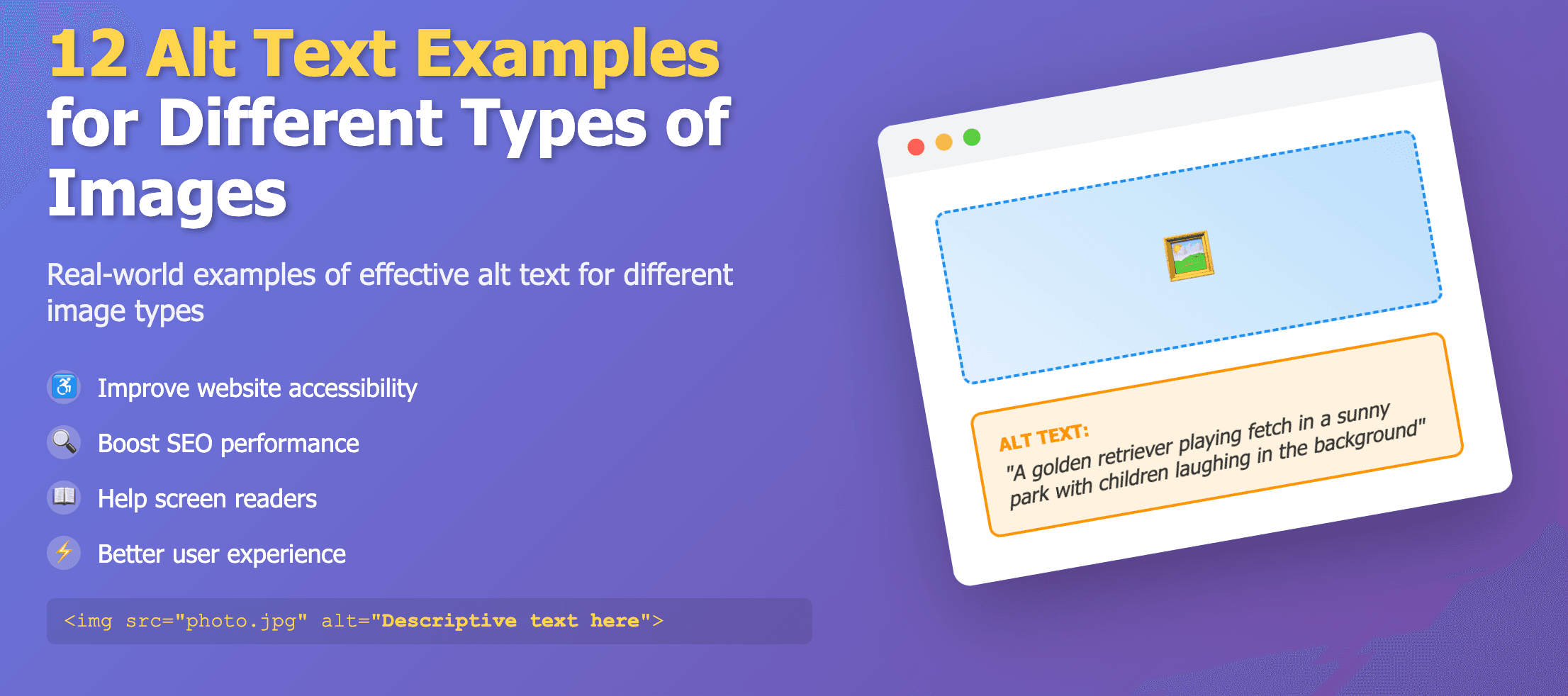
Section 508 requires federal digital content to be accessible. For websites, documents, and applications, that includes providing text alternatives for images so people using assistive technology receive the same essential information as sighted users.
How Section 508 applies to alt text
Under Section 508-aligned accessibility requirements, non-text content must be presented in a way that users can convert into other forms they need. For images on the web, the most common solution is the HTML alt attribute or an equivalent text alternative in the publishing platform.
- Informative images need a meaningful text alternative.
- Purely decorative images should not interrupt screen reader navigation.
- Charts, maps, and diagrams may need both short alt text and a longer description.
- Linked images must describe the purpose of the link, not just the visual appearance.
Section 508 alt text workflow
- Audit pages for missing, empty, or weak alt text.
- Prioritize high-traffic pages, forms, and public-facing content.
- Write concise alt text that describes purpose and essential content.
- Mark decorative images correctly with empty alt text.
- Retest with assistive technology after fixes are published.
Agencies and vendors can automate part of this workflow with our Image Alt Tag Checker and platform integrations listed in the API documentation.
Section 508 vs ADA vs WCAG
Section 508 is most directly relevant to U.S. federal digital content. ADA applies more broadly to public accommodations and services. WCAG provides detailed technical guidance that teams often use to satisfy both. For image accessibility, all three converge on the same core principle: meaningful images need useful text alternatives.
Examples of strong Section 508 alt text
- Agency seal on a homepage: U.S. Department of Example official seal.
- Press release photo: Agency leaders signing a community services agreement at a public event.
- Chart image: Bar chart showing service requests rising from 2022 to 2024, with the highest volume in 2024.
- Decorative banner texture: alt="" because it does not convey unique information.