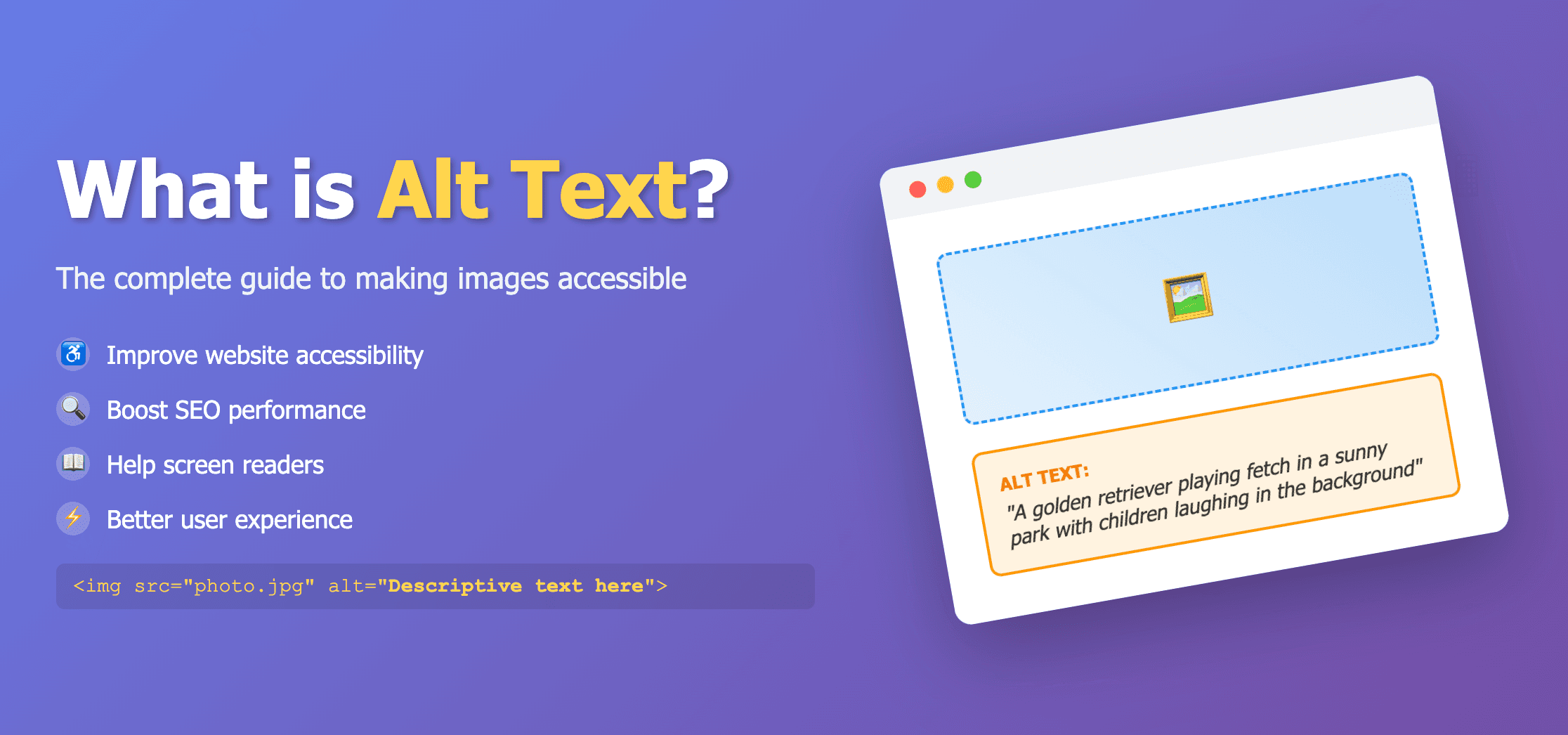
Web Content Accessibility Guidelines (WCAG) set the global standard for accessible web content. For images, the core requirement is simple: if an image communicates information, that information must also be available in text form through alt text or an equivalent text alternative.
What WCAG requires for images
WCAG Success Criterion 1.1.1 Non-text Content says that all non-text content presented to the user must have a text alternative that serves an equivalent purpose. For most website images, that text alternative is the alt attribute.
- Informative images need descriptive alt text.
- Decorative images should use alt="" so assistive technology ignores them.
- Functional images such as linked icons need alt text that describes the action or destination.
- Complex images may need alt text plus a longer description elsewhere on the page.
Informative vs decorative images
The most common WCAG alt text mistake is treating every image the same. Ask whether the image adds meaning. If removing the image would remove important information, it is informative and needs alt text. If it is only visual decoration, use an empty alt attribute.
Informative product photo

Weak
image
Better
Blue ceramic mug with foamy latte and cinnamon on a wooden table.
Decorative divider image

Weak
Decorative blue wave graphic
Better
alt="" because the image adds no unique information.
How to write WCAG-compliant alt text
- Describe the purpose of the image, not every visual detail.
- Include visible text that is essential to understanding the image.
- Avoid phrases like image of or picture of unless they add clarity.
- Do not repeat nearby headings, captions, or link text unless needed.
- Keep the description concise and useful for a screen reader user.
Need help drafting descriptions faster? Use the Free Alt Text Generator or scan pages with the Image Alt Tag Checker.
Common WCAG alt text failures
- Missing alt attributes on informative images
- Empty alt text on images that convey meaning
- Generic alt text such as photo, image, logo, or banner
- Filename-based alt text such as IMG_4832.jpg
- Keyword stuffing that does not describe the image