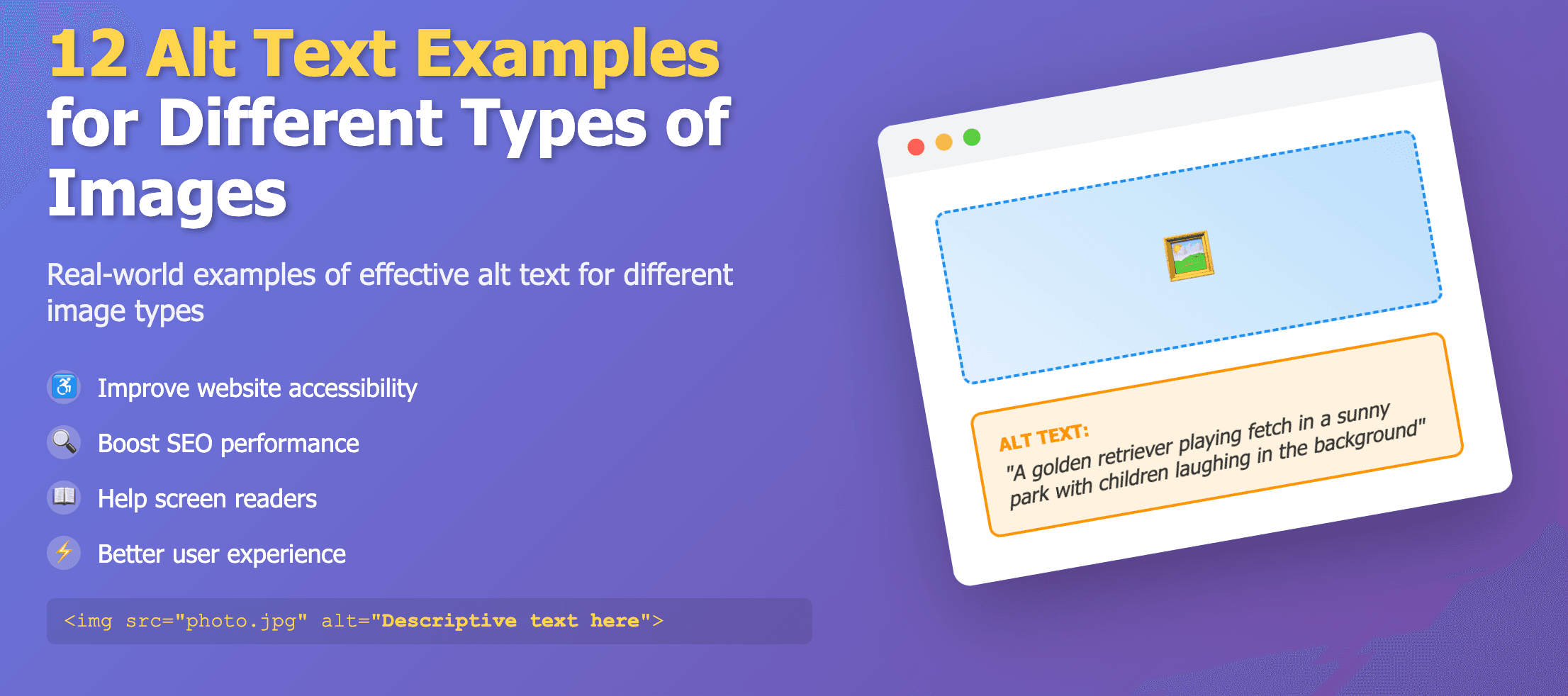
Alt text best practices are not about writing the longest description possible. They are about giving someone who cannot see the image enough context to understand why it is there. Use these rules across blogs, ecommerce, social posts, and internal content.
Core alt text best practices
- Write for people using screen readers first.
- Describe purpose before decorative detail.
- Include essential visible text from the image.
- Keep descriptions concise unless the image is complex.
- Use empty alt text for purely decorative images.
- Avoid repeating the caption, heading, or link label.
Weak vs strong alt text examples
Ecommerce product image
Weak
shoe
Better
White running shoe with orange sole and black laces on a gray background.
Blog hero image
Weak
blog banner
Better
Designer reviewing website wireframes on a laptop at a desk.
Linked social icon
Weak
icon
Better
Follow us on Instagram
Chart screenshot
Weak
chart
Better
Line chart showing monthly sign-ups rising from January to June.
Best practices by image type
- Photos: describe the subject and action that matter to the page.
- Logos: use the company or product name.
- Buttons and icons: describe the action, not the shape alone.
- Charts and graphs: summarize the trend or key data point.
- Decorative backgrounds: use alt="" so screen readers skip them.
New to alt text basics? Start with What Is Alt Text?, then generate drafts with the Free Alt Text Generator.
Common mistakes to avoid
- Using file names as alt text
- Adding alt text to decorative images that add no information
- Writing alt text that repeats visible page text word for word
- Stuffing keywords that do not describe the image
- Leaving alt text blank on images that contain important text