What is Alt Text?
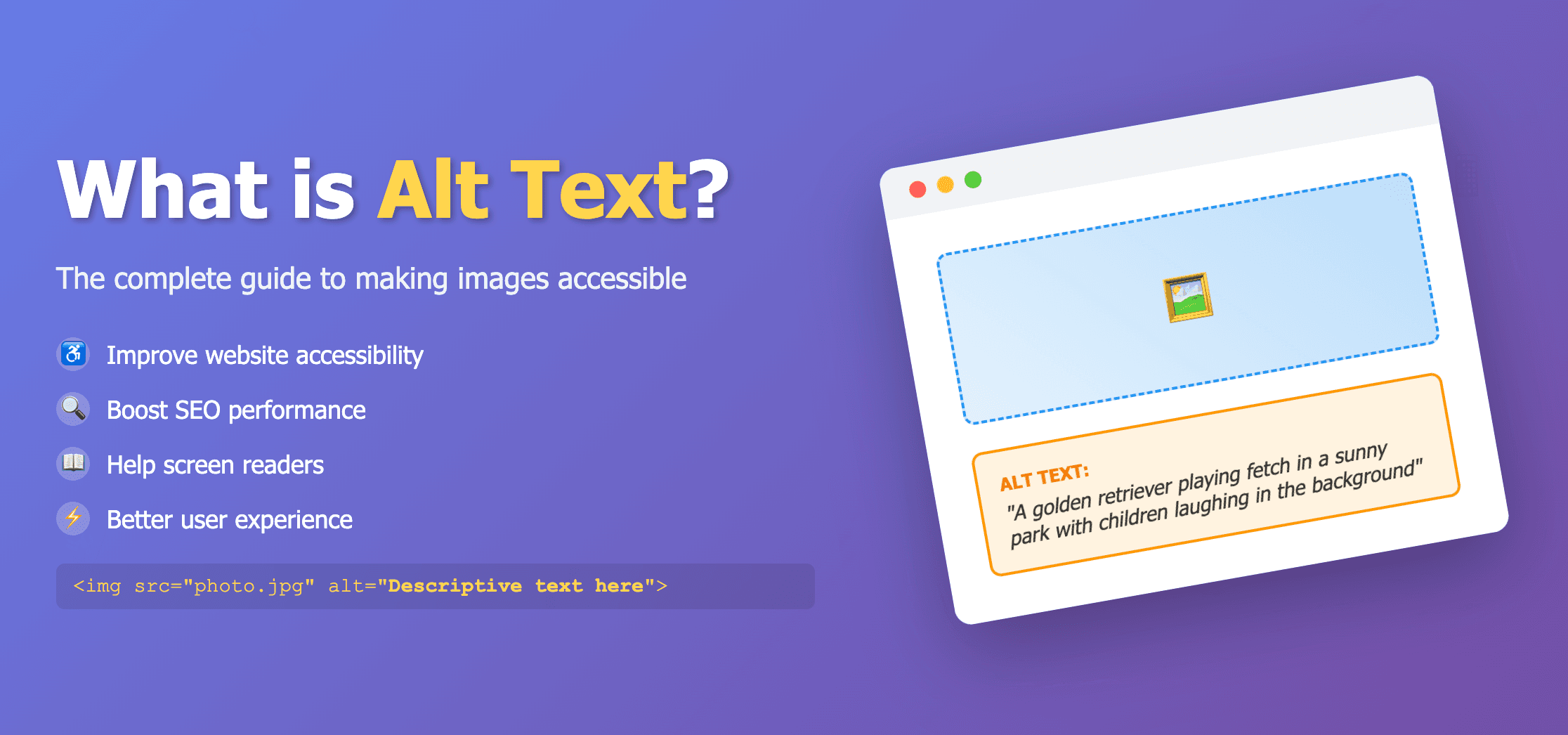
Alt text (alternative text), also known as "alt attributes" or "alt descriptions," is the written copy that appears in place of an image on a webpage if the image fails to load. This text helps screen-reading tools describe images to visually impaired readers and allows search engines to better crawl and rank your website.
Alt text is added to an image by using the alt attribute in HTML:
<img src="image.jpg" alt="Description of the image" />Why is Alt Text Important?
Accessibility
Makes visual content accessible to visually impaired users who rely on screen readers.
SEO Benefits
Helps search engines understand your images and improves your rankings in image search results.
User Experience
Provides context when images fail to load due to slow connections or browser settings.
1. Accessibility
One of the primary purposes of alt text is to make visual content accessible to visually impaired users who rely on screen readers. When a screen reader encounters an image, it will read the alt text aloud, providing context for users who cannot see the image.
According to the World Health Organization, approximately 285 million people worldwide are visually impaired. By using proper alt text, you're making your website more inclusive and accessible to all users.
2. SEO Benefits
Search engines like Google cannot "see" images in the same way humans can. They rely on alt text to understand what an image depicts. Properly optimized alt text can help your images appear in Google Image search results, potentially driving more traffic to your website.
Key SEO benefits include:
- ✓Higher ranking in image search results
- ✓Improved relevance signals for search engines
- ✓Additional keyword opportunities (when used naturally)
- ✓Better user experience, which indirectly affects rankings
3. Improved User Experience
Alt text serves as a fallback when images fail to load due to slow internet connections, broken links, or browser settings that disable images. Instead of seeing an empty box, users will see a description of what should be there.
How to Write Effective Alt Text
Creating good alt text is both an art and a science. Here are some best practices to follow:
1. Be Specific and Descriptive
Describe the image accurately and specifically. Focus on what's important in the image and its context on the page.
✓ Good example:
"Golden retriever puppy playing with a red ball in a grassy park"
✗ Poor example:
"Dog image" or "Photo of a pet"
2. Keep it Concise
Most screen readers cut off alt text at around 125 characters, so aim to be descriptive yet concise. Focus on the most important elements of the image.
3. Include Keywords Naturally
When relevant, include target keywords in your alt text, but do so naturally. Never keyword-stuff alt attributes, as this can harm user experience and may be penalized by search engines.
4. Don't Start With "Image of" or "Picture of"
Screen readers already announce that an element is an image, so starting your alt text with "image of" or "picture of" is redundant and wastes precious character space.
5. Use Empty Alt Text When Appropriate
For decorative images that don't add meaningful content, use empty alt text (alt="") so screen readers will skip over them.
Common Alt Text Mistakes to Avoid
- ✗Keyword stuffing: "best seo alt text keywords seo optimization keyword ranking"
- ✗Being too generic: "photo" or "image"
- ✗Being too lengthy: Alt text should be concise and to the point
- ✗Neglecting context: The alt text should relate to the page's content
- ✗Using the filename: "IMG_12345.jpg" is not helpful alt text
Alt Text Examples for Different Types of Images
Product Images
Good alt text: "Apple iPhone 13 Pro in Sierra Blue with triple-camera system"
Infographics
Good alt text: "Infographic showing five steps to improve website accessibility, including adding alt text to images"
Charts and Graphs
Good alt text: "Bar graph showing increasing mobile usage trends from 2018-2023, with 67% growth in smartphone users"
How AI Can Help Generate Alt Text
Writing alt text for every image on your website can be time-consuming, especially for large websites with hundreds or thousands of images. This is where AI-powered alt text generators like our tool can help.
Our Alt Text Generator automatically analyzes your images and generates descriptive, SEO-friendly alt text in seconds. This can save you hours of manual work while ensuring your images are accessible and optimized for search engines.
Try Our Alt Text Generator
Save time and improve your website's accessibility and SEO with our AI-powered alt text generator.
Generate Alt Text NowConclusion
Alt text is a crucial element for website accessibility and SEO. By providing descriptive, concise, and relevant alternative text for your images, you're improving the experience for all users, including those with visual impairments, while also helping search engines better understand and index your content.
Whether you write alt text manually or use an AI-powered generator, the important thing is to ensure that every meaningful image on your website has appropriate alt text that accurately describes its content and context.
Start implementing proper alt text today and watch as your website becomes more accessible and your search engine rankings improve!