Introduction to Alt Text Examples
Alt text (alternative text) is crucial for both accessibility and SEO. In this comprehensive guide, we've compiled over 30 effective alt text examples across different categories to help you craft the perfect descriptions for your images.
Each example follows best practices for alt text creation, including:
- ✓Being specific and descriptive
- ✓Keeping text concise (under 125 characters)
- ✓Including relevant keywords naturally
- ✓Focusing on the image's purpose and context
Note: The examples below show placeholder images, but the alt text provided demonstrates how to effectively describe each type of image. Remember that good alt text focuses on conveying the information and purpose of the image to both search engines and users with visual impairments.
Product Image Alt Text Examples
Product images require alt text that accurately describes the item while including relevant details that potential customers might be searching for.

E-commerce Product
Alt text example:
"Blue ceramic coffee mug with white polka dots and ergonomic handle, 12oz capacity"
Why it works: Includes color, material, pattern, special features, and size—all details a shopper might search for.
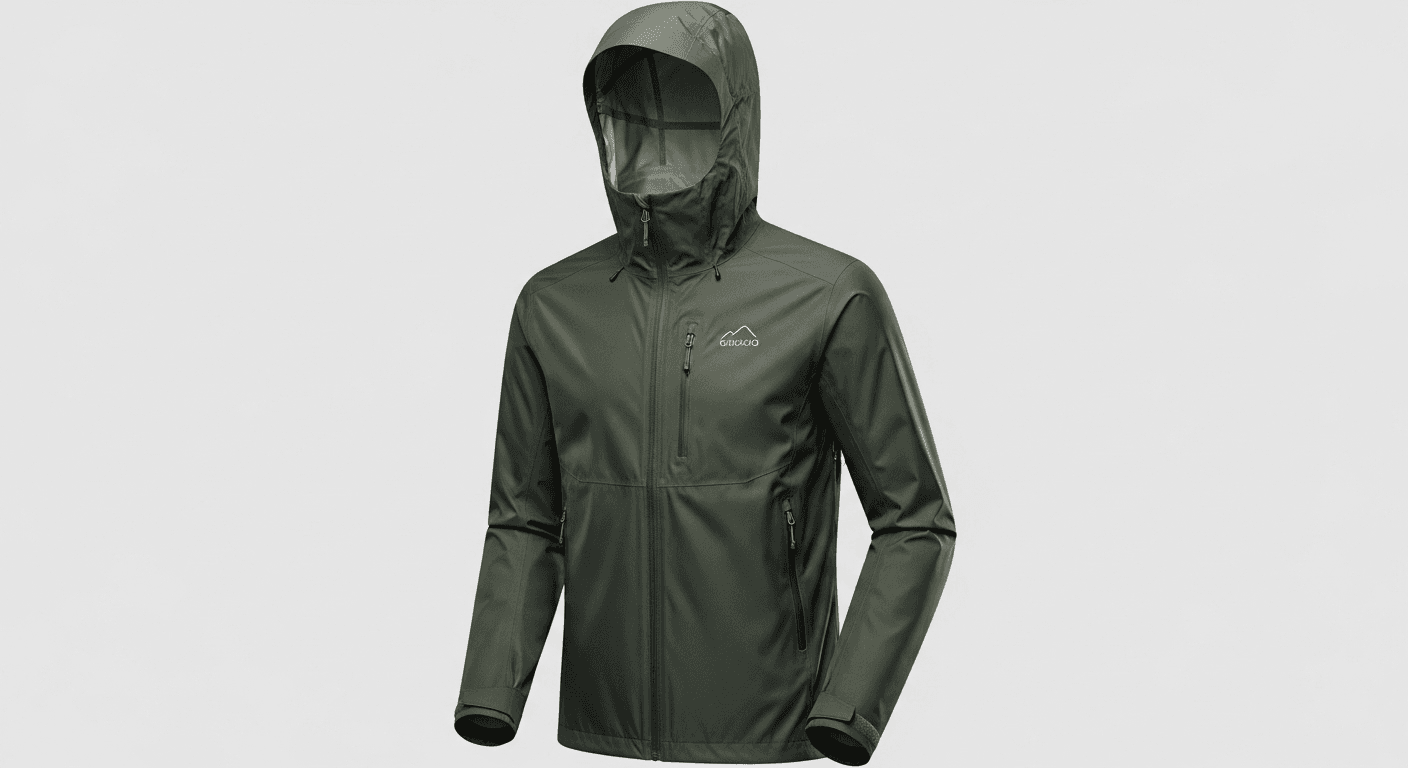
Clothing Item
Alt text example:
"Men's lightweight waterproof hiking jacket in forest green with adjustable hood and zippered pockets"
Why it works: Describes the target demographic, key features, color, and functional aspects that matter to buyers.
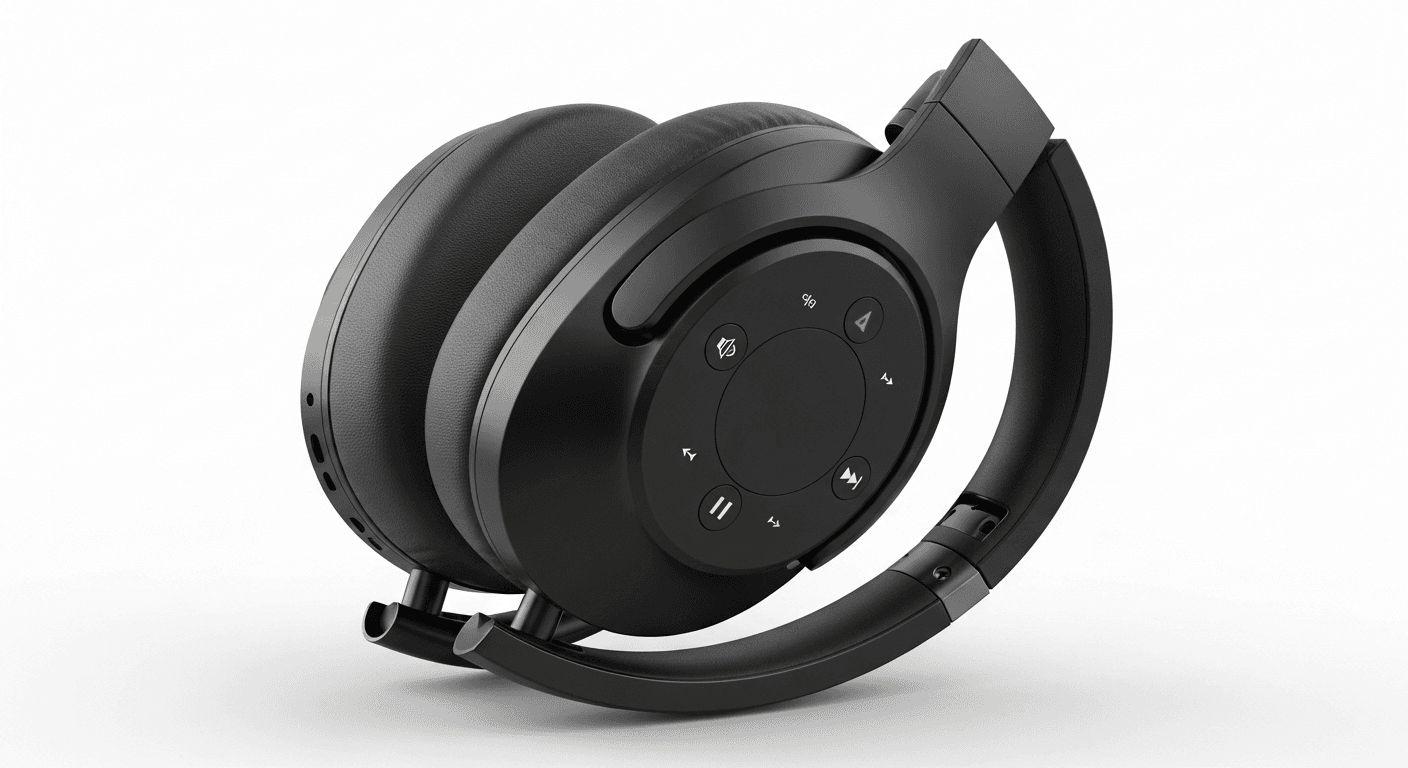
Electronics Product
Alt text example:
"Wireless noise-cancelling headphones in matte black with foldable design and touch controls"
Why it works: Mentions key functionality, color, design features, and control mechanism that users might search for.

Furniture Item
Alt text example:
"Mid-century modern walnut coffee table with hairpin metal legs and rectangular top"
Why it works: Includes style, material, product type, distinctive features, and shape—all relevant for furniture searches.
Portrait and People Image Alt Text Examples
When describing images of people, focus on conveying both visual elements and context without making assumptions.

Professional Headshot
Alt text example:
"Sarah Johnson, Marketing Director, smiling in professional attire against neutral background"
Why it works: Identifies the person, their role, expression, and setting—providing context for a professional portrait.

Group Photo
Alt text example:
"Team of five diverse healthcare professionals in white coats standing in hospital corridor"
Why it works: Describes the number of people, their profession, clothing, diversity, and setting without naming each person.
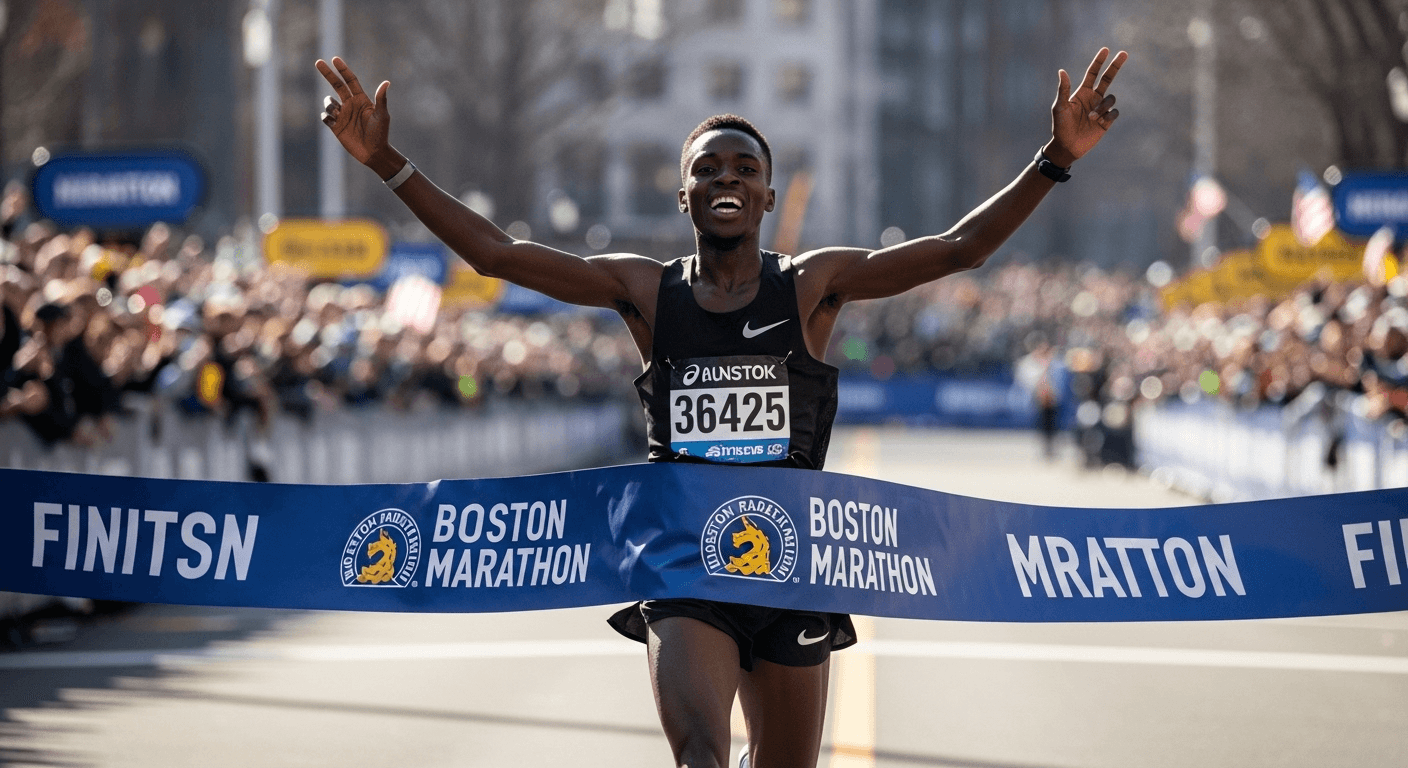
Action Shot
Alt text example:
"Runner crossing finish line with arms raised in celebration at Boston Marathon"
Why it works: Focuses on the action, emotion, and specific event rather than detailed physical descriptions.
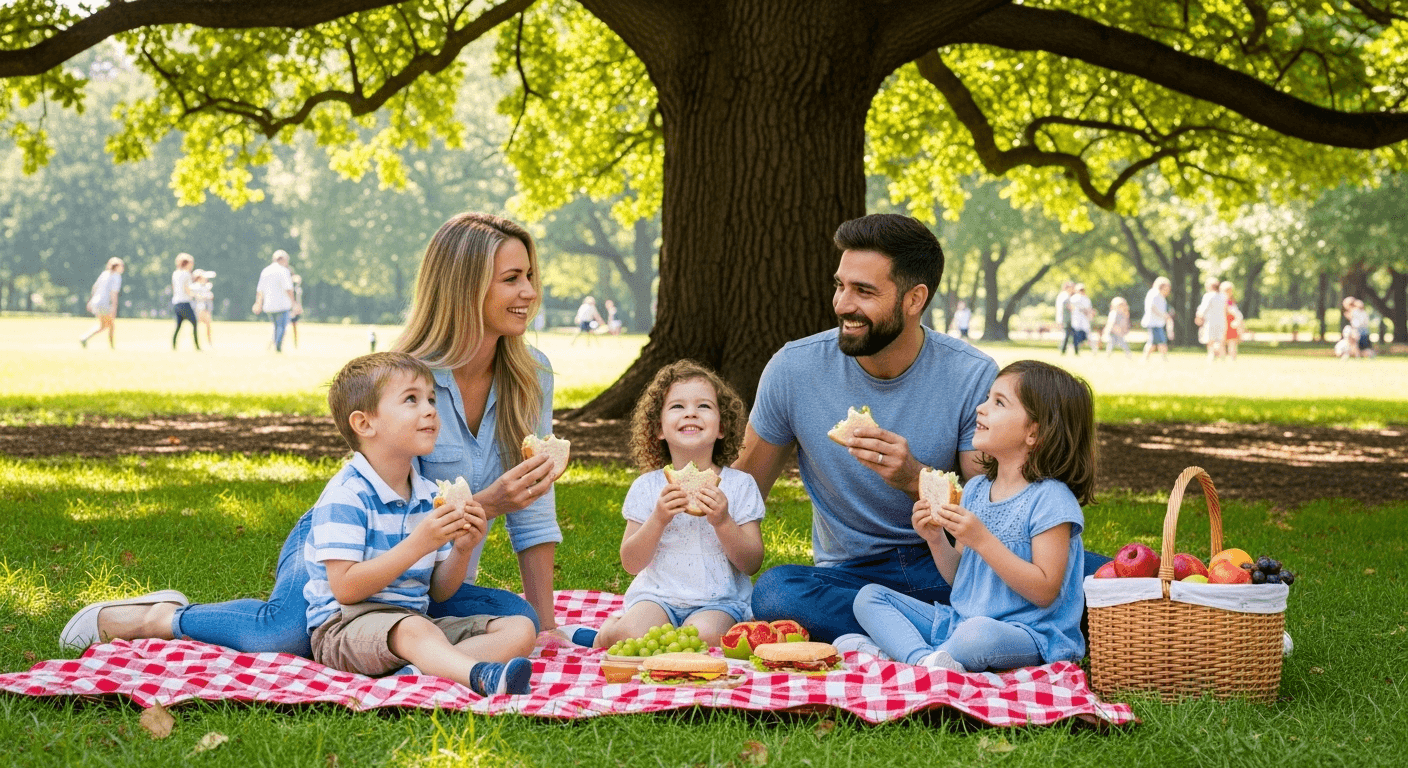
Lifestyle Image
Alt text example:
"Family of four having picnic in park with blanket spread under large oak tree"
Why it works: Describes the group relationship, activity, setting, and key elements without unnecessary details.
Nature and Landscape Alt Text Examples
For natural scenes and landscapes, focus on the location, prominent features, and mood or time of day.

Mountain Landscape
Alt text example:
"Snow-capped Rocky Mountains at sunset with pine forest in foreground and orange-pink sky"
Why it works: Names the specific mountain range, time of day, key visual elements, and color information.
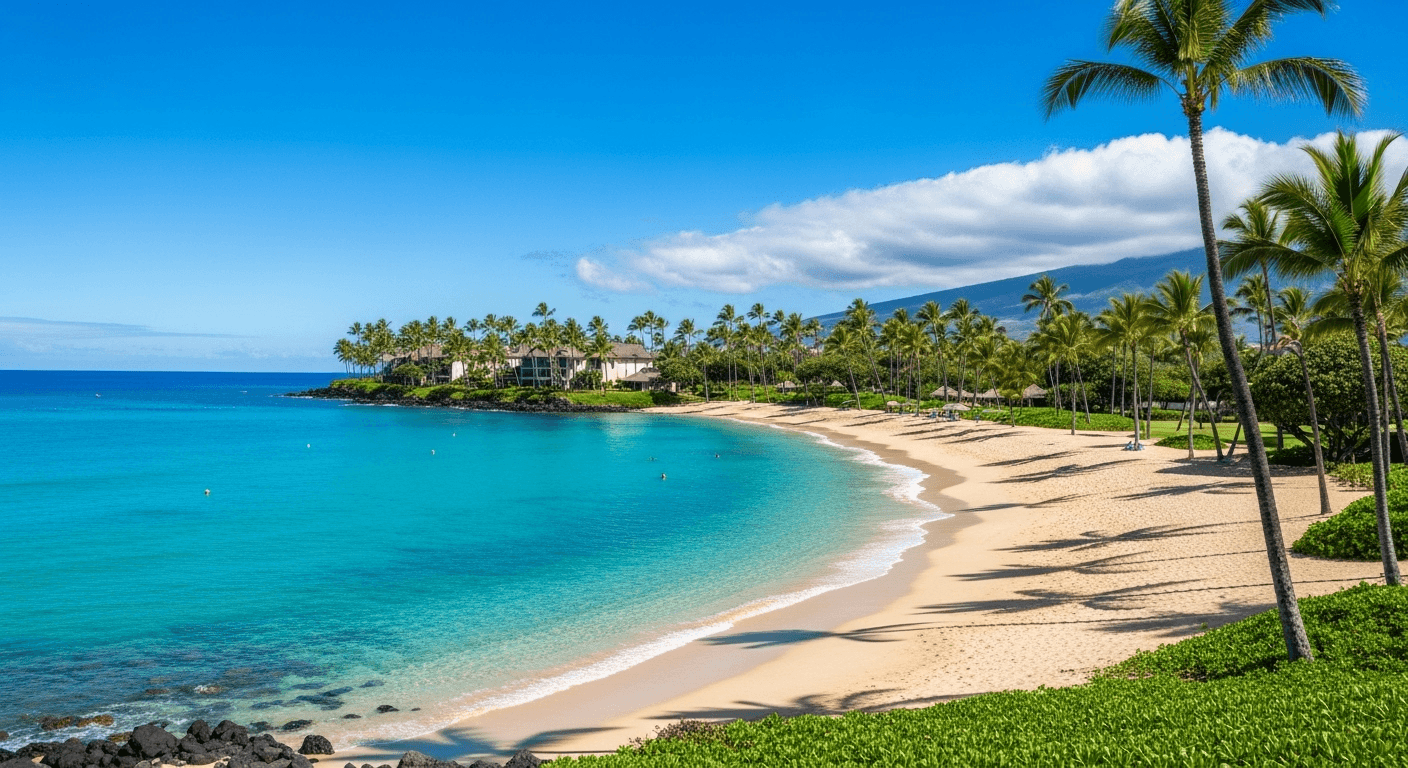
Beach Scene
Alt text example:
"Tropical beach in Maui with turquoise water, white sand, and palm trees under clear blue sky"
Why it works: Specifies the location, prominent features, colors, and overall setting without excessive detail.
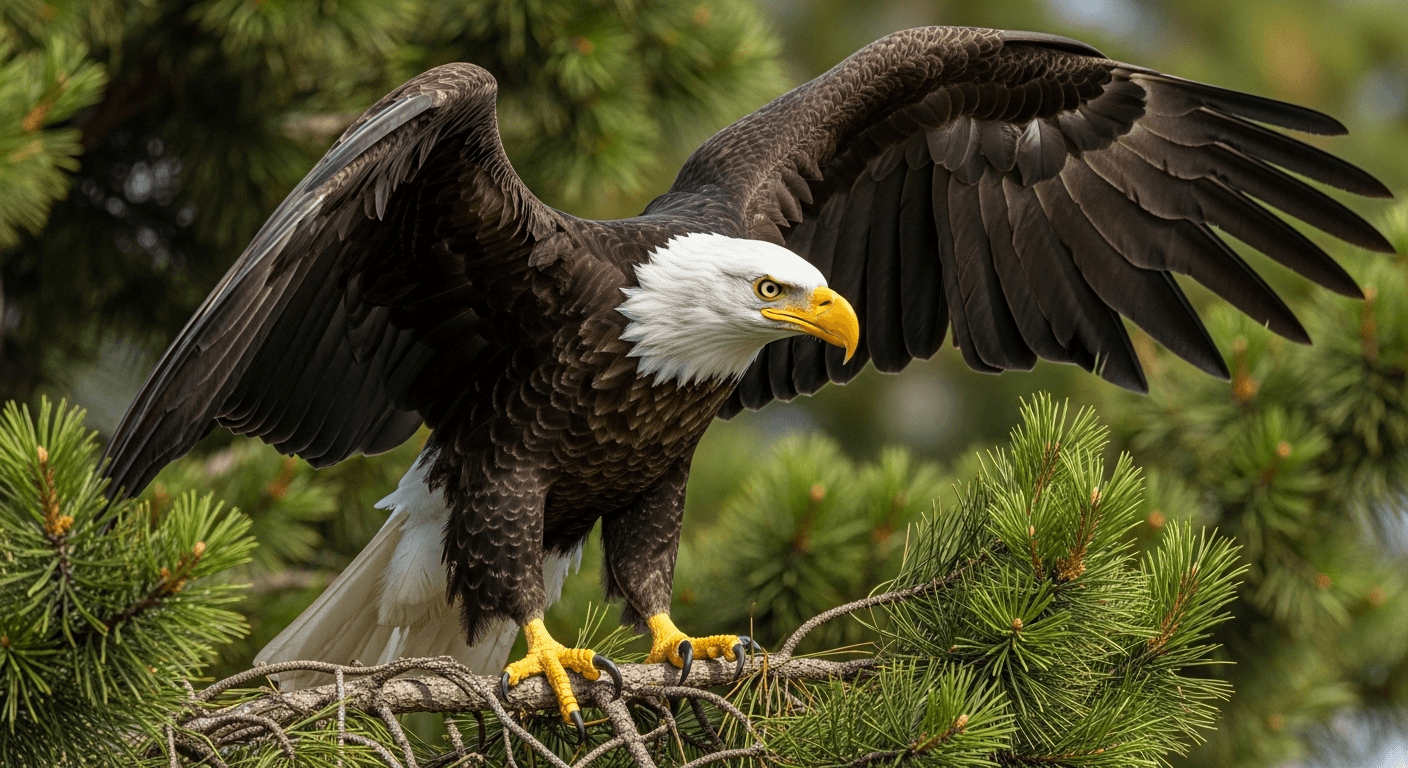
Wildlife Image
Alt text example:
"Close-up of bald eagle perched on pine branch with wings partially extended"
Why it works: Identifies the specific animal, its positioning, and setting without unnecessary adjectives.
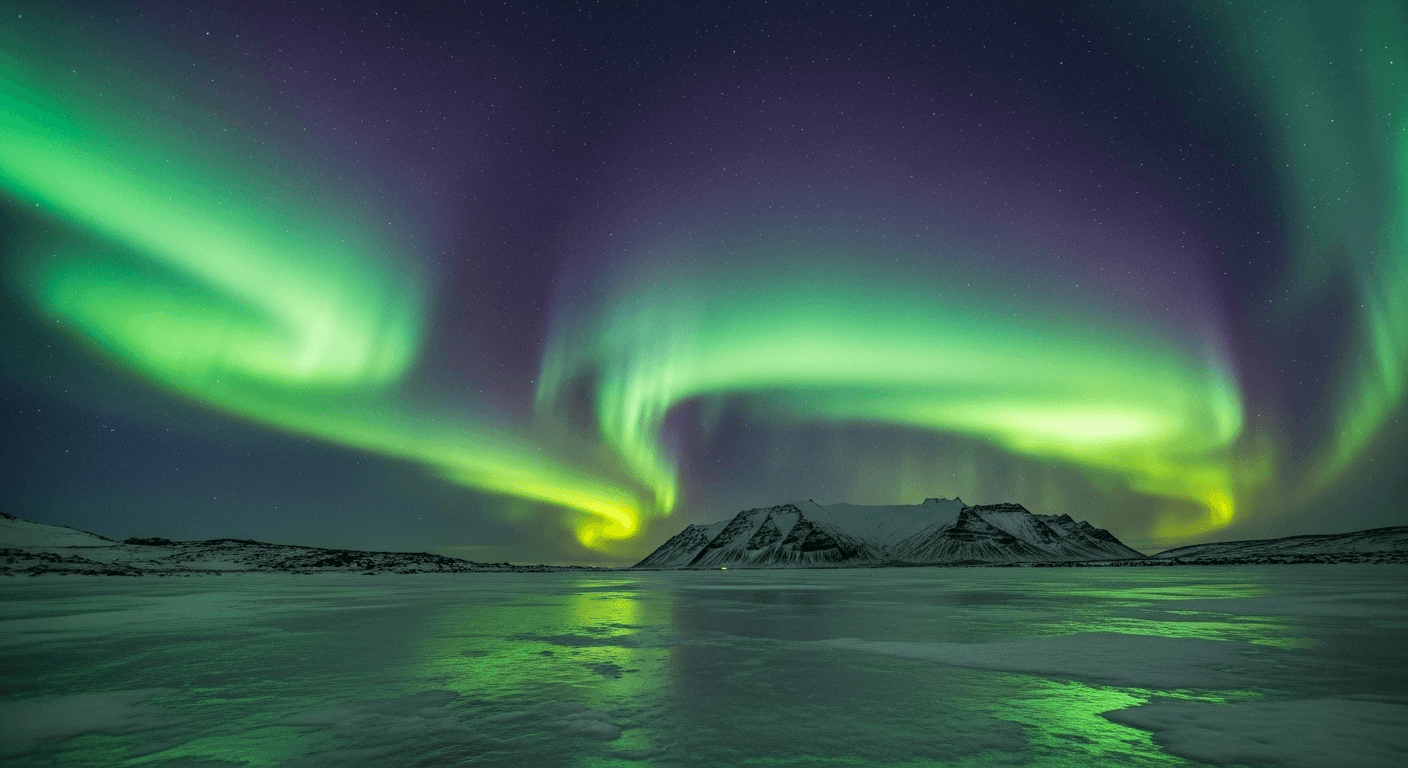
Natural Phenomenon
Alt text example:
"Northern Lights (Aurora Borealis) displaying green and purple waves over frozen lake in Iceland"
Why it works: Names the phenomenon (with common name and scientific term), describes colors, and specifies location.
Need Help With Alt Text?
Let our AI-powered tool automatically generate SEO-friendly alt text for all your images.
Try Our Alt Text GeneratorBest Practices for Alt Text (Summary)
- ✓Be specific and descriptive: Focus on what's important in the image
- ✓Keep it concise: Aim for under 125 characters when possible
- ✓Include keywords naturally: Don't keyword-stuff
- ✓Consider image context: How does it relate to surrounding content?
- ✓Use empty alt text (alt="") for decorative images
- ✓Don't start with "image of" or "picture of": Screen readers already announce it's an image
- ✓Test with screen readers: Ensure your alt text makes sense when heard
Conclusion
Effective alt text is an essential part of creating an accessible and SEO-friendly website. By studying these examples across different image categories, you can develop a better understanding of how to craft alt text that serves both users with visual impairments and search engines.
Remember that the best alt text is contextual—it should consider not just what's in the image, but why the image is there and what information it's meant to convey to your audience. As you implement these examples on your own website, you'll be creating a more inclusive experience while potentially improving your search engine rankings.
If you manage a website with many images, consider using our AI-powered Alt Text Generator to automatically create effective alt text that follows these best practices.