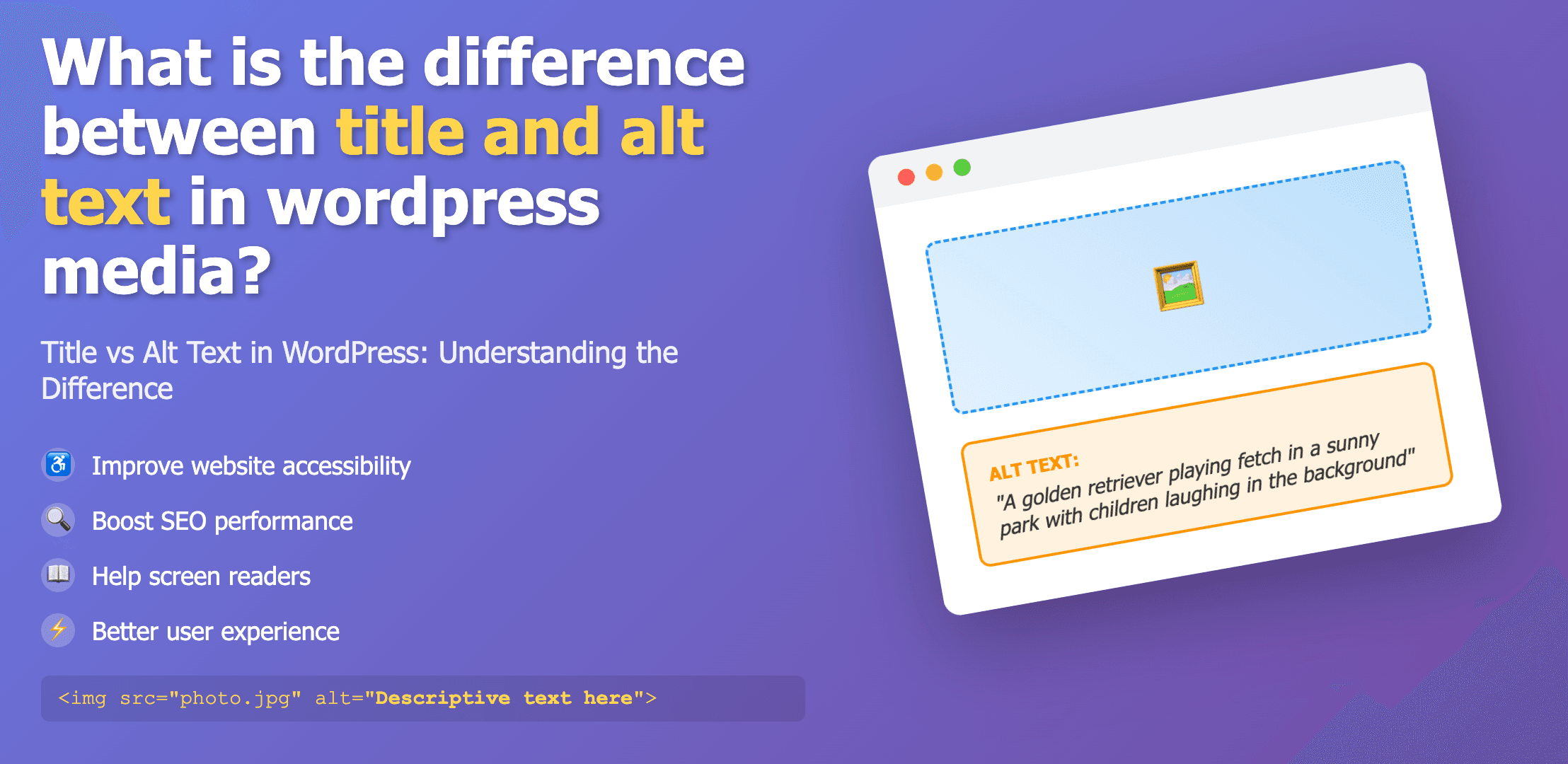
What Are Title and Alt Text in WordPress?
When you upload images to WordPress, you'll notice two important text fields: Title and Alt Text (Alternative Text). While they may seem similar at first glance, they serve different purposes and are used in different contexts.
Both fields are important for different reasons:
- •Title: Identifies the image in your media library and may appear as a tooltip
- •Alt Text: Describes the image for screen readers and search engines
Title Attribute: Purpose and Usage
What is an Image Title?
The image title in WordPress is primarily used as an administrative label for your media library. It helps you identify and organize your images within the WordPress dashboard.
When you upload an image, WordPress automatically uses the filename as the title, but you can (and often should) change it to something more descriptive.
How Title Appears in HTML
<img src="image.jpg" title="Product image of blue t-shirt" alt="Blue cotton t-shirt with white logo" />The title may appear as a tooltip when a user hovers over the image in some browsers.
Key Features of the Title Attribute
- ✓Appears in your WordPress media library to help you organize images
- ✓May show as a tooltip when users hover over the image (browser dependent)
- ✓Has minimal impact on SEO compared to alt text
- ✓Often used for additional information not critical to understanding the image
Alt Text: Purpose and Usage
How Alt Text Appears in HTML
<img src="image.jpg" alt="Blue cotton t-shirt with white logo on the front pocket" />Alt text is read by screen readers and displayed if the image fails to load.
What is Alt Text?
Alt text (alternative text) is a descriptive text that explains what an image shows. It's primarily used for:
- •Accessibility for visually impaired users
- •SEO optimization for image search
- •Fallback text when images don't load
Key Differences Between Title and Alt Text
| Feature | Title Attribute | Alt Text |
|---|---|---|
| Primary Purpose | Administrative label for media library | Accessibility and SEO description |
| Visibility | Sometimes appears as tooltip on hover | Read by screen readers, shown when image fails to load |
| SEO Impact | Minimal impact | Significant impact on image SEO |
| Content Focus | Administrative identification | Descriptive content and context |
| Required for | WordPress media organization | ADA compliance and accessibility |
Need Help With Alt Text?
Let our AI-powered tool automatically generate SEO-friendly alt text for all your WordPress images.
Try Our Alt Text GeneratorBest Practices for WordPress Title and Alt Text
Title Best Practices
- ✓Use clear, descriptive titles for your media library organization
- ✓Include relevant keywords if helpful for organization
- ✓Keep titles concise but informative
- ✓Use proper capitalization for better readability
Alt Text Best Practices
- ✓Be specific and descriptive about what the image shows
- ✓Include relevant keywords naturally
- ✓Keep alt text under 125 characters
- ✓Don't start with "image of" or "picture of"
- ✓Use empty alt text (alt="") for decorative images
Examples of Good Title and Alt Text
Product Image Example
Title:
"Blue Cotton T-Shirt - Front View"
Alt Text:
"Blue cotton t-shirt with white logo on front pocket and relaxed fit design"
Blog Featured Image Example
Title:
"WordPress SEO Guide - Header Image"
Alt Text:
"Person analyzing WordPress SEO dashboard showing increasing traffic graph on laptop"
Conclusion
Understanding the difference between title and alt text in WordPress is crucial for proper image optimization:
- •Title attributes are primarily for your media organization and may show as tooltips when users hover over images.
- •Alt text is essential for accessibility, SEO, and provides context when images fail to load.
While both have their place in WordPress media management, alt text carries more weight for both user experience and search engine optimization. Spending the time to craft descriptive, relevant alt text for all your images is a worthwhile investment for accessibility compliance and improved SEO performance.
For the best results, use clear, descriptive titles for your media library organization and detailed, specific alt text for accessibility and SEO. If managing alt text for a large number of images seems overwhelming, consider using our AI-powered Alt Text Generator to automatically create effective alt text for your WordPress images.