How To Add Alt Text On Social Media
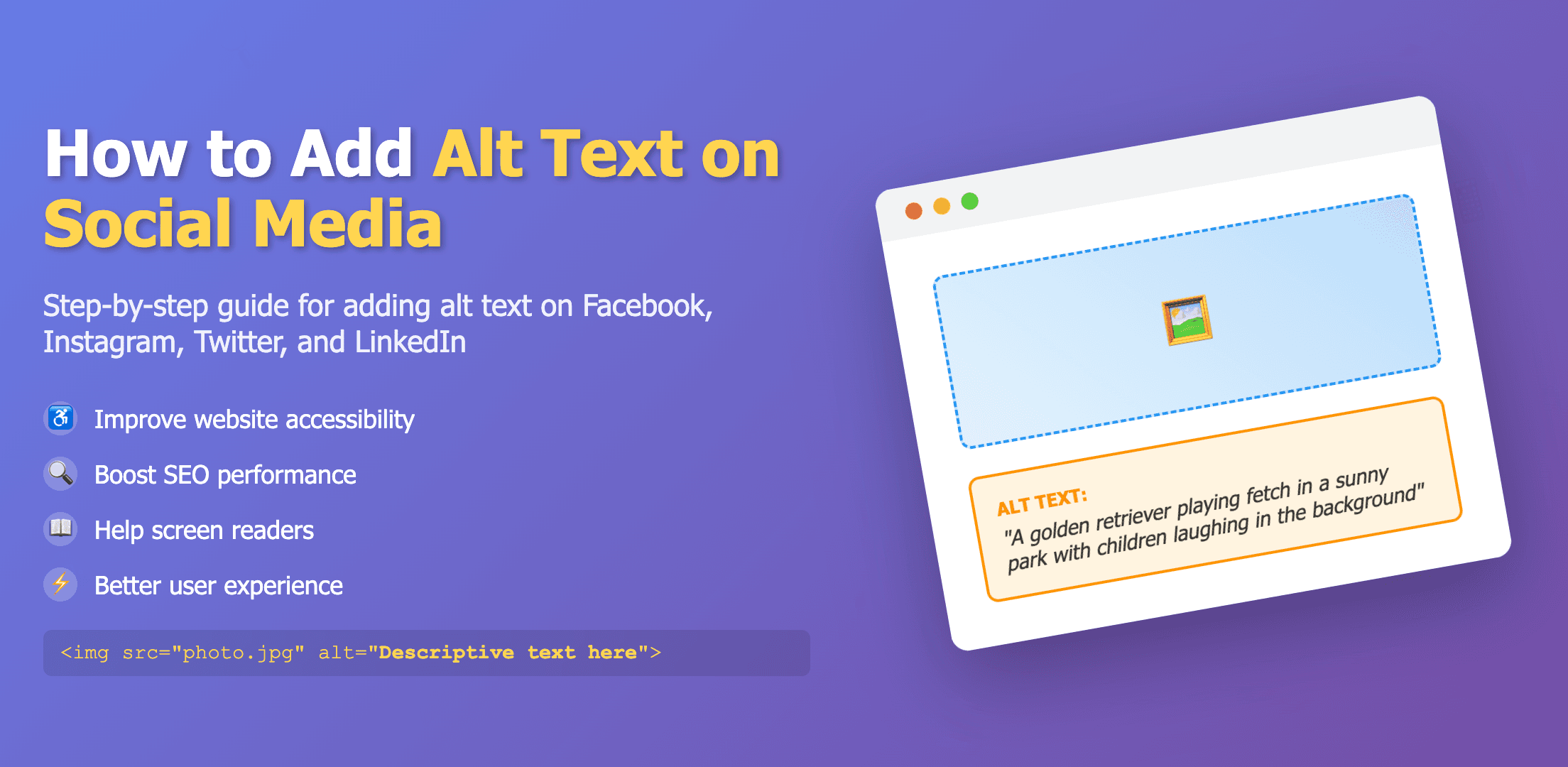
Simple steps to add alt text on every major platform
The easiest win for making posts more inclusive is adding alternative text (alt text) to images and GIFs. Every major platform supports it, but you have to add it yourself when you post. It takes less than a minute and ensures people using screen readers or braille displays aren’t left out.
Alt text vs image descriptions
Alt text is a short, metadata-style description attached to an image. Screen readers read it out; sighted users usually don’t see it. An image description is similar, but placed in the caption or post body so anyone can read it. Alt text is best kept concise (about 125 characters); image descriptions can be longer when extra detail is useful.
Use both when you can: a short alt text for assistive tech, and a visible description in the caption for additional context. If you publish a longer description, label it clearly (for example, “Image description: …”).
Quick character limits by platform
- Twitter/X: ~1,000 • BlueSky: ~2,000 • Mastodon: ~1,500
- Instagram/Facebook: ~100 • Threads: ~1,000 • LinkedIn: ~120
- Tumblr: ~4,096 • Pinterest: ~800
General writing tips
- Describe what matters: the subject, action, setting, text in the image, and any important context.
- Be concise and neutral. Avoid “image of …”; screen readers already announce images.
- Include on‑image text verbatim when it’s important to understanding the post.
- For multi‑image posts, add alt text to each image.
Platform guides
Step‑by‑step instructions are available for each platform: