Etsy listing photos carry a lot of product information: material, color, size, texture, packaging, and the small details that help a buyer decide. Alt text, also called a text alternative, describes those images for people who cannot see them and can also help search engines understand what your product photos show.
If your shop language is English, Etsy lets you add image descriptions to listing photos. Etsy may also add AI-generated alt text to some US seller listings, but seller-written alt text is usually more accurate because you know the product, materials, and context better than an automated description.
Good to know: Images that already have alt text added will not be altered by Etsy. Alt text added by Etsy can be edited at any time. If you want to create better descriptions before Etsy fills them in automatically, you can generate product-ready alt text with our paid plans.
Want help writing Etsy alt text?
Upload a product photo to our free Etsy tool, then edit the result with exact product details before adding it to your listing.
Try the Etsy Alt Text GeneratorHow to add alt text to Etsy listing images on Etsy.com
- Sign in to Etsy.com and open Shop Manager.
- Go to Listings.
- Select the listing you want to update.
- Choose the listing photo that needs a text alternative.
- Find the Alt text field and write a detailed description of the image.
- Click Apply to save the description.
You can repeat this for as many listing images as you want. It is especially useful for images that show close-up details, product variations, scale, packaging, or different angles.
How to add alt text in the Etsy Seller app
- Open the Etsy Seller app and sign in.
- Go to Listings and select the listing you want to edit.
- In the listing editor, open the Photo and video section.
- Tap the Alt text option.
- Select the image you want to describe.
- Write a clear description of what the product photo shows.
- Tap Save.
How to write a good Etsy image description
Good Etsy alt text should describe the image, not simply repeat your listing title or tags. Think about what a buyer would miss if the image did not load.
- Describe visible product details such as color, material, shape, pattern, finish, and texture.
- Mention scale or context when it helps, such as a mug on a table or earrings worn by a model.
- Describe product variations if the photo shows a specific color, size, or style.
- Keep the description concise and useful, ideally under 250 characters.
- Avoid stuffing your shop name, full title, tags, SKUs, shipping terms, or unrelated keywords.
Etsy alt text examples
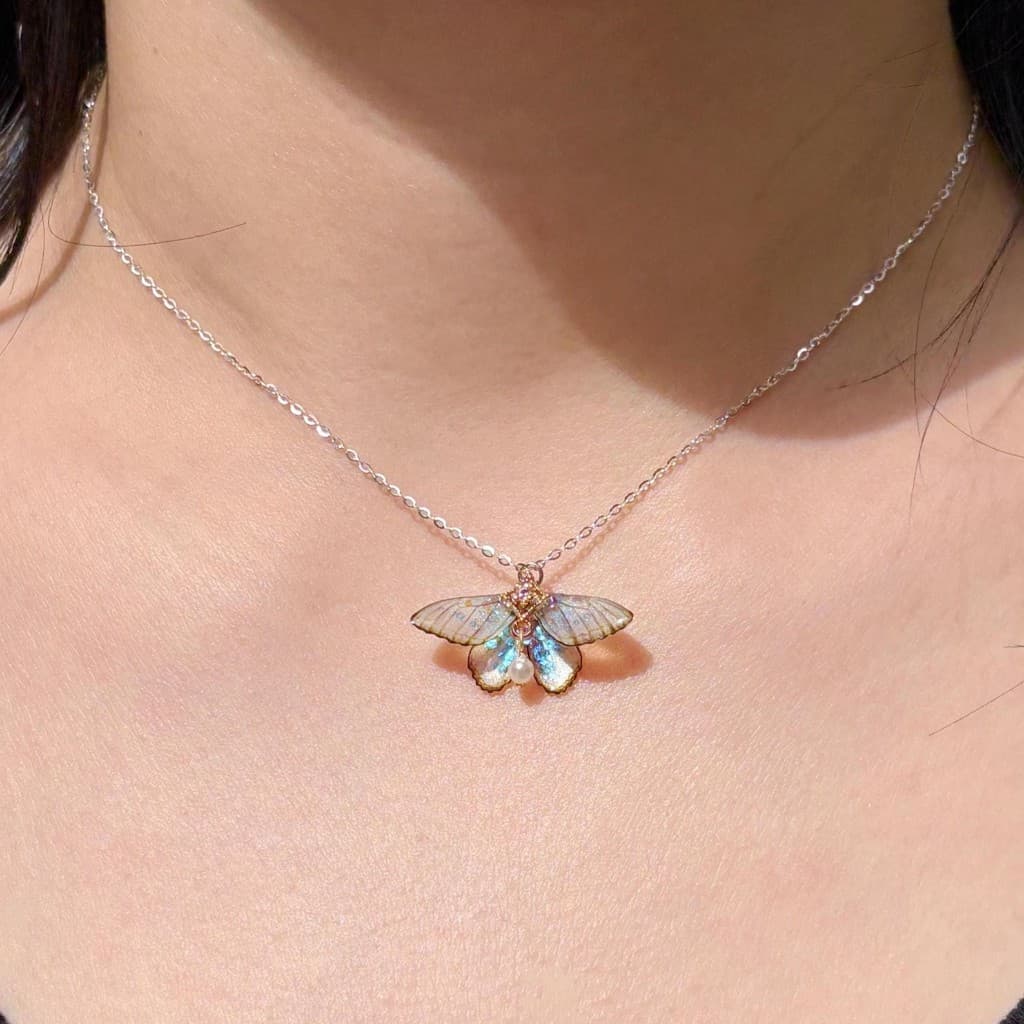
Jewelry listing image
Text alternative: Silver chain necklace with an iridescent butterfly pendant and pearl accent worn on a person's neck
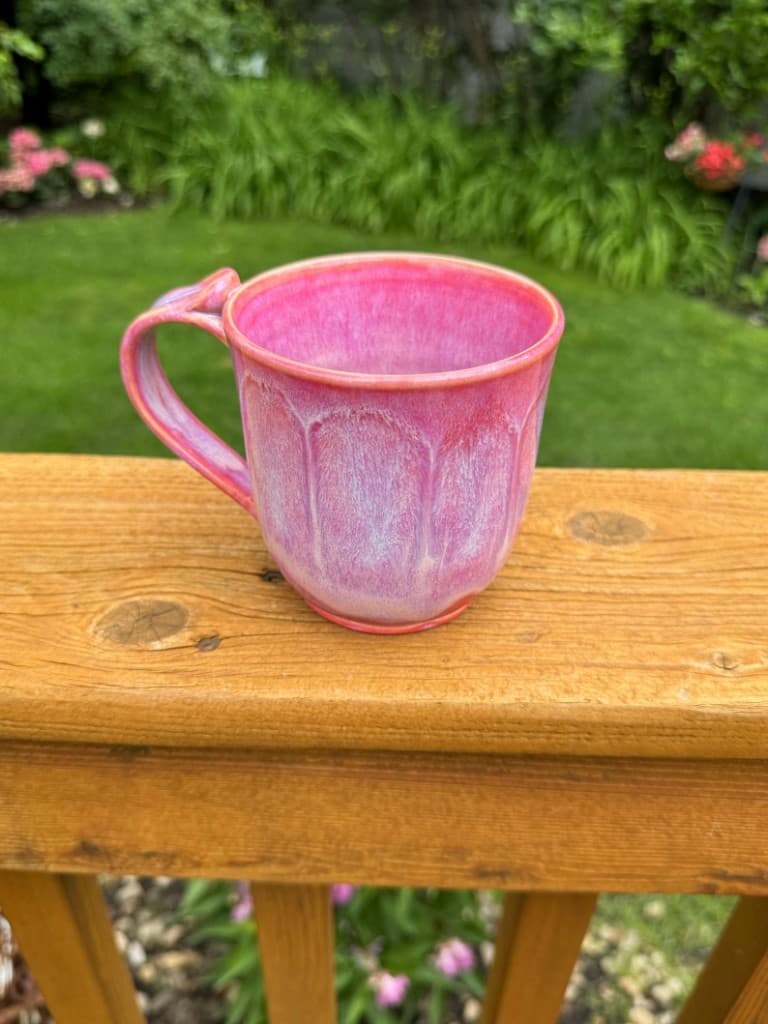
Ceramic mug listing image
Text alternative: Pink handmade ceramic mug with carved petal details and curved handle on a wooden deck rail
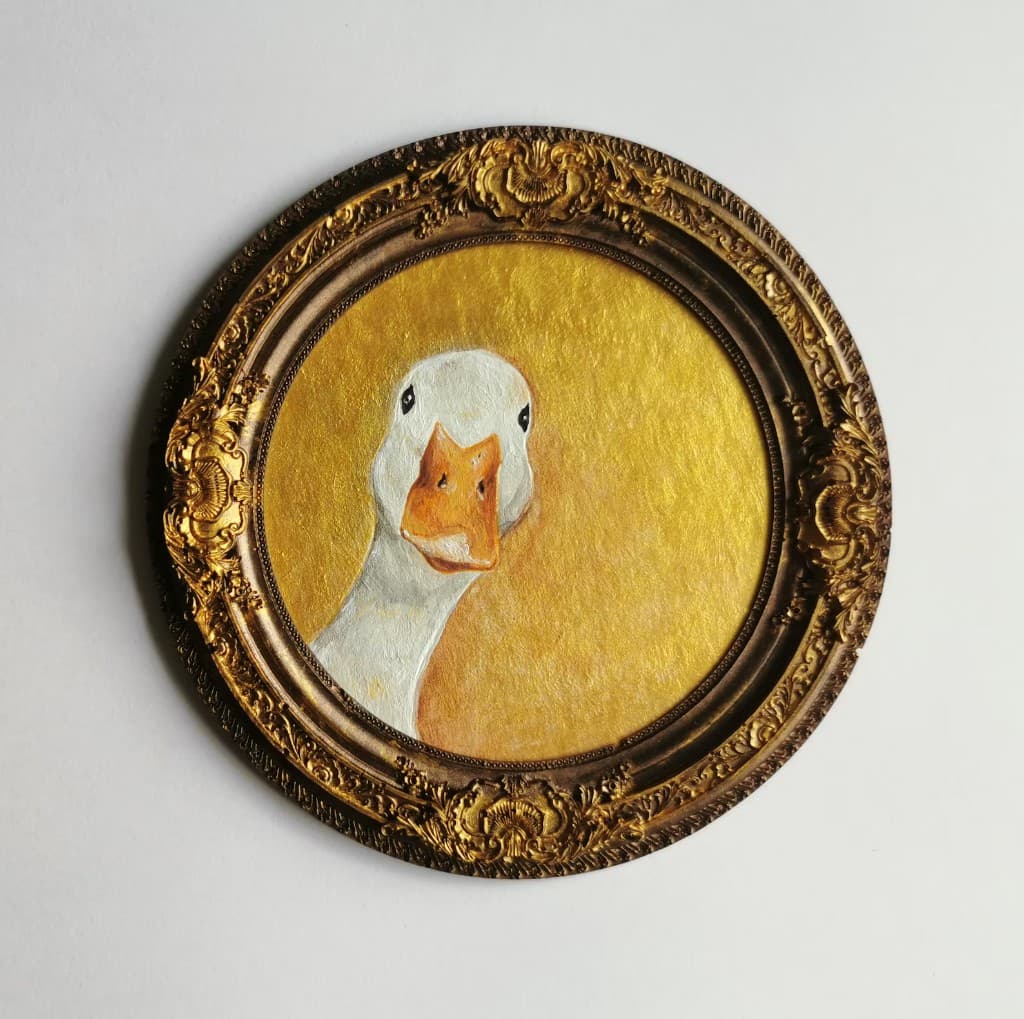
Wall art listing image
Text alternative: Duck portrait painting on a gold background displayed in an ornate round vintage-style frame
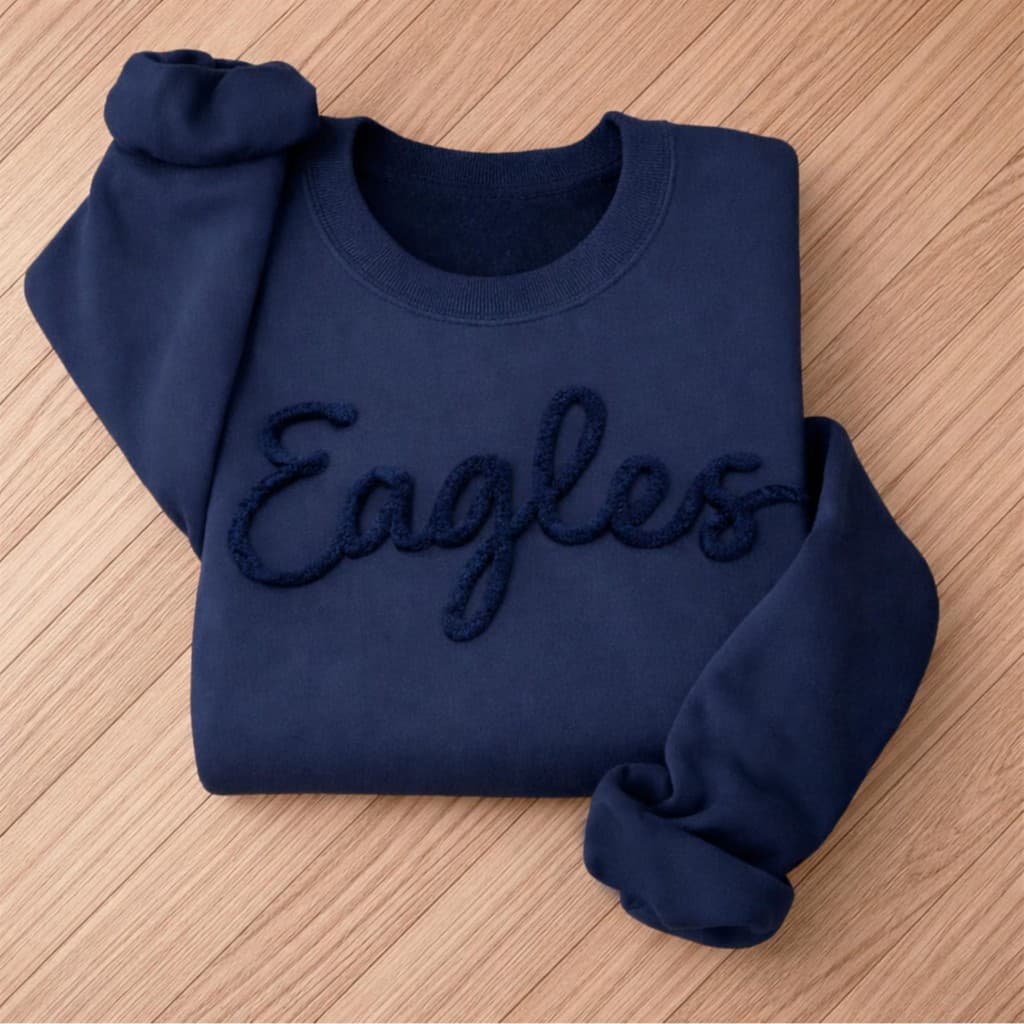
Clothing listing image
Text alternative: Navy blue sweatshirt folded on a wood surface with Eagles text in raised script lettering
How should I describe size charts?
If your size chart is uploaded as an image, describe the chart as clearly as possible. Include the type of product, the measurement units, and the most important rows or columns. If the chart has too much information for a short image description, add the full sizing information to your listing description as readable text.
What happens if I do not add Etsy alt text?
Etsy may generate alt text automatically for some listing images. That can be helpful, but it may miss product-specific details like materials, personalization, scale, or the exact variation shown. Adding your own text alternative gives you more control and helps make sure the description is accurate.
Does Etsy alt text help SEO?
Alt text is mainly for accessibility, but it can also help search engines outside of Etsy understand product images. Do not use it as a place to repeat your shop name or tags. Instead, write a natural description of the photo and include product keywords only when they accurately describe what is visible.
Related tools and guides
Frequently asked questions
Should I add alt text to every Etsy listing image?
Add alt text to important product images, especially photos that show different views, details, colors, materials, sizing, or variations. Each useful image should have a unique description.
How long should Etsy alt text be?
Keep it concise and useful. Etsy recommends staying within 250 characters, which is usually enough to describe the product, material, color, scale, and important visible details.
Does Etsy add alt text automatically?
Etsy may add AI-generated alt text for some listing images, but seller-written descriptions are usually more accurate. If you add your own alt text, Etsy should not overwrite it.
Should I put my shop name or tags in Etsy alt text?
No. Alt text should describe the image for someone who cannot see it. Your shop name, listing title, tags, SKU, and other attributes already exist elsewhere on the listing page.