Free Headshot Alt Text Generator
Alt text for headshots. Create respectful, professional headshot alt text with attire and setting details—no unnecessary assumptions.
Drag & drop an image here, or click to select one
Supports JPG, PNG, WEBP
Want to generate alt text across platforms?
Improve accessibility and SEO across your site with AI-powered alt text.
What Should Headshot Alt Text Include?
Headshot alt text should identify the image as a portrait or headshot and describe relevant visible details like attire, expression, background, and role when known.
Professional context
Mention the person’s name or role only when it is available from the page, such as a staff bio, author page, or speaker profile.
Visible details
Describe attire, pose, expression, and background when those details help distinguish the image.
Respectful language
Avoid guessing sensitive traits or personal identity details that are not needed to understand the image.
Headshot Alt Text Generator Examples
Strong alt text describes the image clearly, includes the important visible details, and stays useful for accessibility.
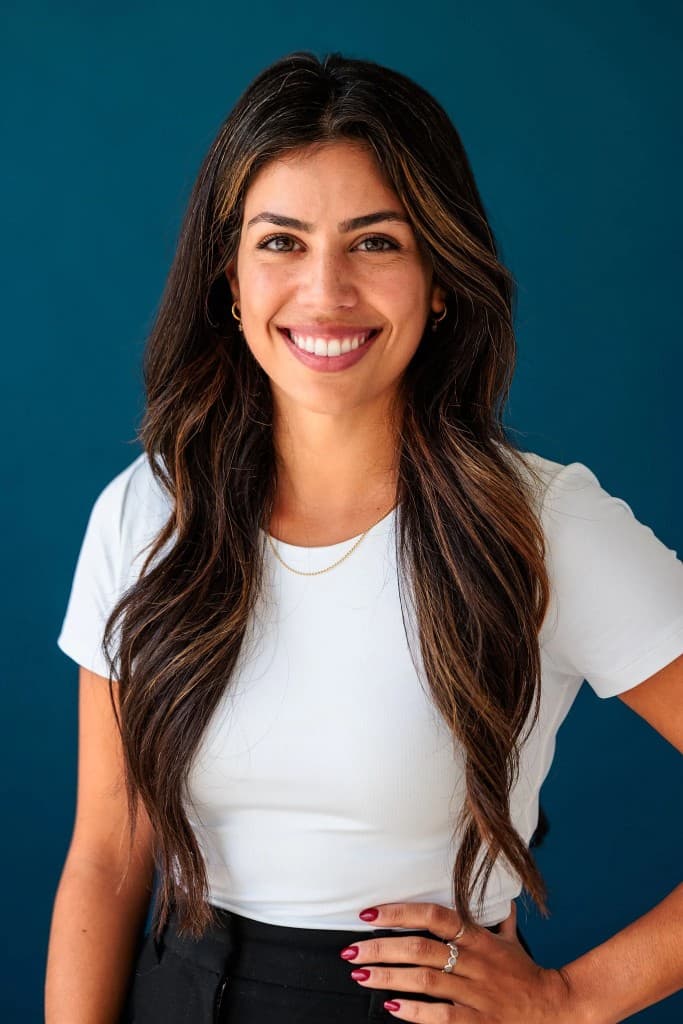
Studio Headshot
Weak
headshot
Better
Professional headshot of a smiling woman with long dark hair in a white t-shirt against a teal background.
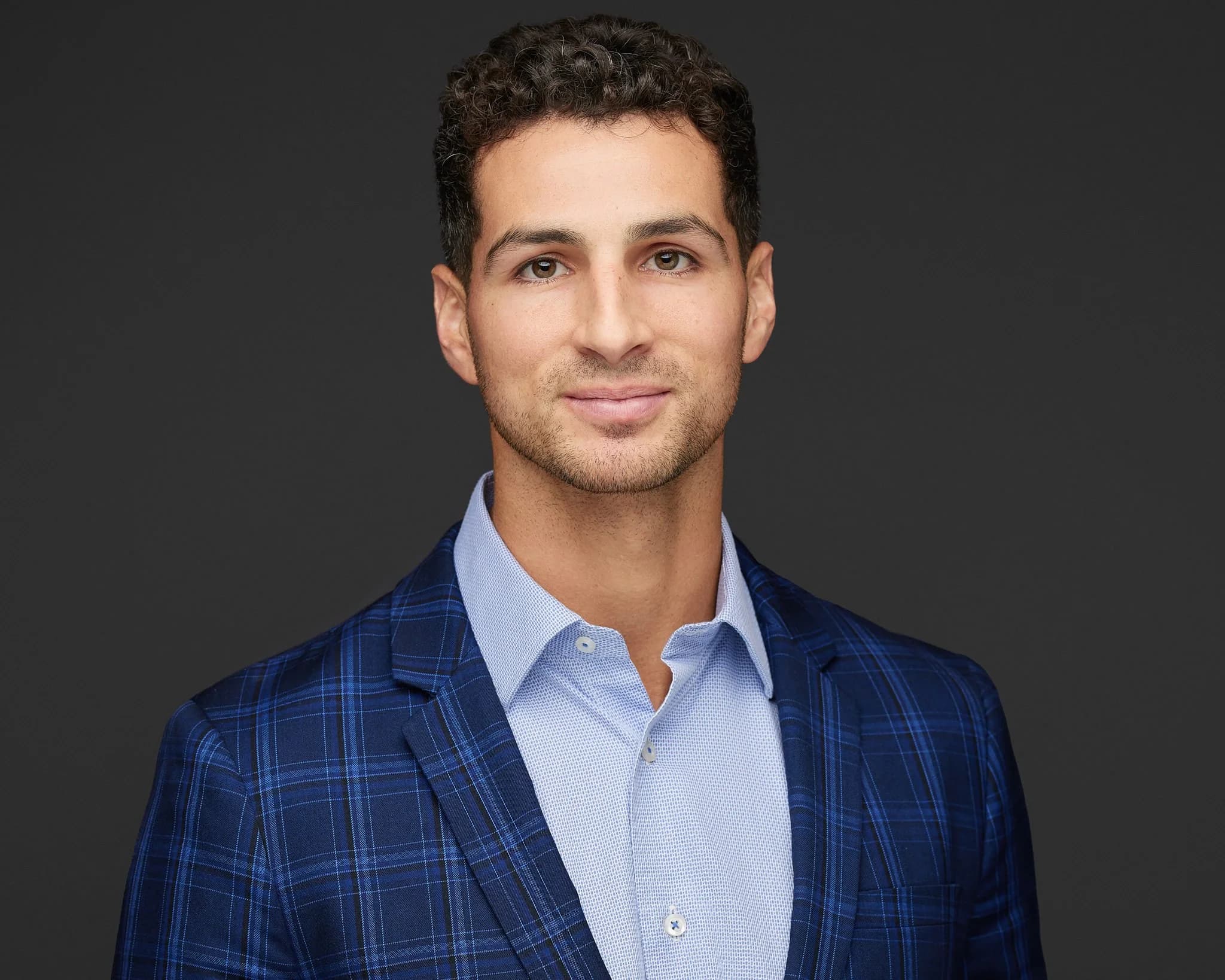
Corporate Headshot
Weak
person photo
Better
Professional headshot of a man with curly dark hair, wearing a blue plaid blazer over a light blue shirt, against a dark background.
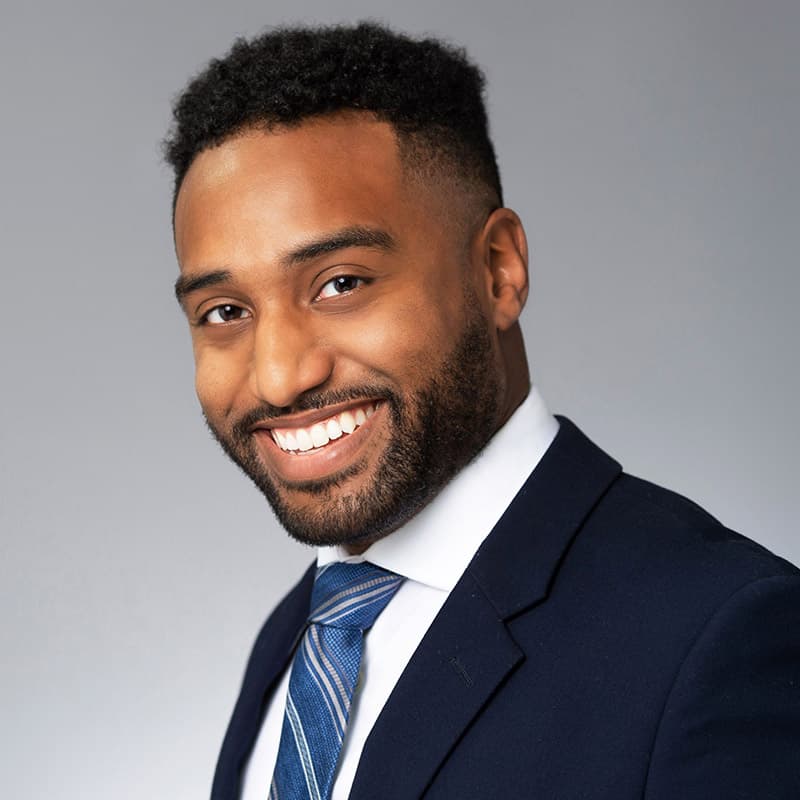
Business Profile
Weak
man in suit
Better
Professional headshot of a smiling man in a navy suit and striped tie against a gray background.

Team Bio
Weak
profile picture
Better
Professional headshot of a smiling woman in a mint green sweater against a blurred indoor background.
How to Generate Headshot Alt Text
Upload the headshot or profile image.
Generate a professional first draft with AI.
Add the person’s name or role only if known from the page context.
Remove any unnecessary assumptions before publishing.
Related Alt Text Tools and Guides
Headshot Alt Text FAQ
What should headshot alt text include?
Mention the person’s role if known, notable visible features (hair/attire), and setting (e.g., “Portrait of a smiling woman in a navy blazer, studio background”).
Avoid sensitive attributes?
Yes—avoid unneeded assumptions about age, ethnicity, or disability unless the subject has made it relevant and explicit.
Length guidelines?
1 short sentence focusing on distinguishing details is ideal.
Can it include job titles?
Yes, if accurate and known from context (e.g., profile page with name and title). Don’t guess.
Should I describe facial expression?
Yes, visible expression can be useful when relevant, such as smiling, neutral expression, or looking at the camera.
Should I include the person’s name?
Include the name if it is known from the page context, such as a team bio or author profile. Do not guess names from the image.