Free Video Thumbnail Alt Text Generator
Alt text for video thumbnails by describing the subject, action, and context in one concise sentence.
Drag & drop an image here, or click to select one
Supports JPG, PNG, WEBP
Want to generate alt text across platforms?
Improve accessibility and SEO across your site with AI-powered alt text.
What Should Video Thumbnail Alt Text Include?
Video alt text usually describes the thumbnail image, not the full video. It should explain the visible scene, main subject, action, setting, and any important text shown on the thumbnail.
Visible scene
Describe who or what appears in the thumbnail, where it is happening, and the main action.
Video context
Mention the topic when the thumbnail makes it clear, such as a tutorial, product review, webinar, or recipe video.
Text on thumbnail
Include important title text, labels, or calls to action that appear directly on the thumbnail image.
Video Thumbnail Alt Text Generator Examples
Strong alt text describes the image clearly, includes the important visible details, and stays useful for accessibility.
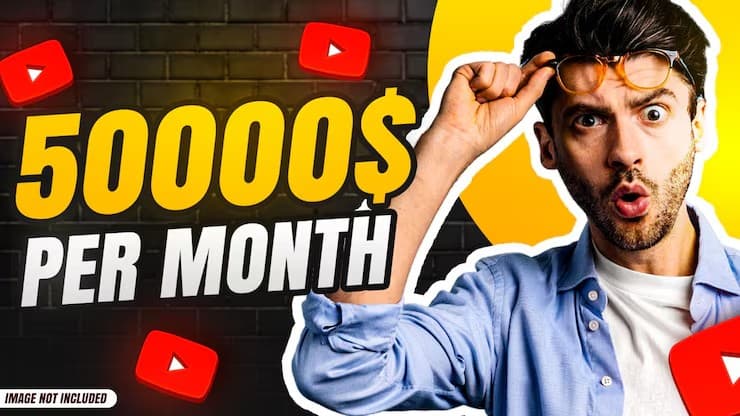
Income Thumbnail
Weak
video thumbnail
Better
YouTube thumbnail showing a shocked man beside text reading 50000$ per month.
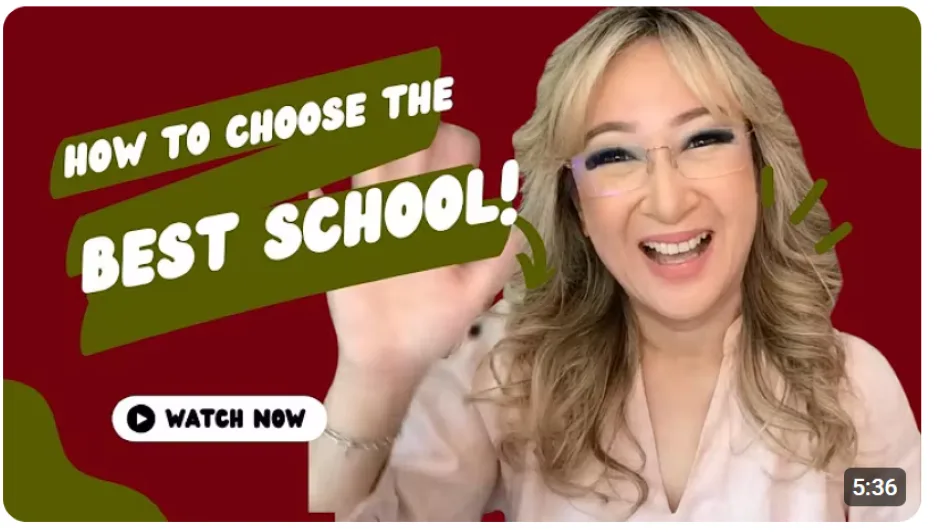
Educational Video
Weak
school video
Better
YouTube thumbnail of a smiling woman waving beside text reading How to Choose the Best School.

Travel Challenge Video
Weak
island video
Better
YouTube thumbnail of a creator pointing at a tropical island with a Beast flag and pink boats.
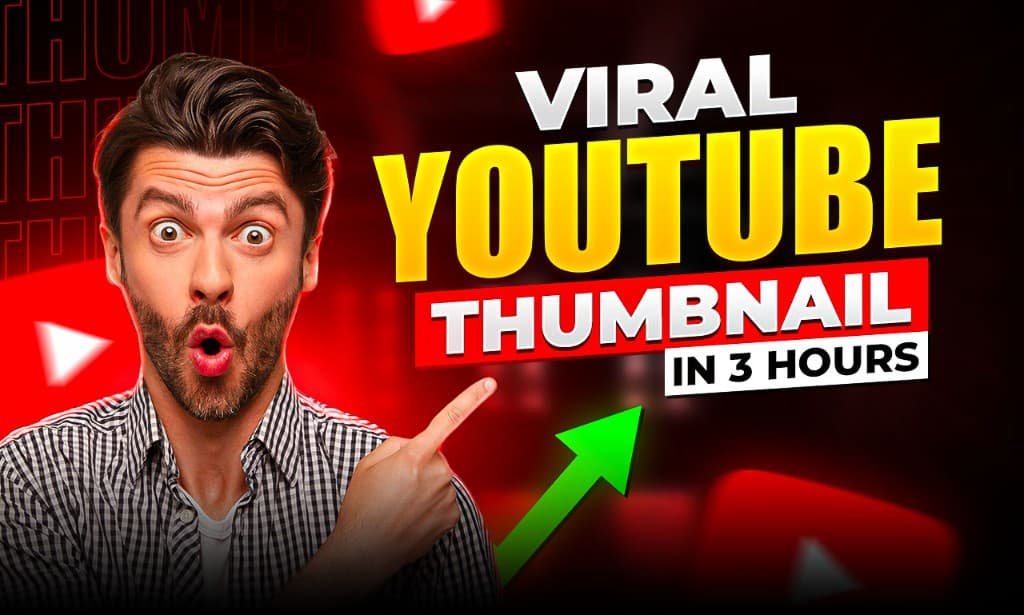
Tutorial Thumbnail
Weak
youtube thumbnail
Better
YouTube thumbnail of a surprised man pointing at text reading Viral YouTube Thumbnail in 3 Hours.
How to Generate Video Alt Text
Upload the video thumbnail image.
Generate a concise draft with AI.
Add important visible title text or topic context.
Use captions or transcripts separately for the video’s audio content.
Related Alt Text Tools and Guides
Video Alt Text (Thumbnails) FAQ
Is alt text for videos different?
For images representing videos (thumbnails), describe the visible scene and purpose (e.g., “Chef slicing tomatoes in a kitchen – cooking tutorial”).
Do I include audio or captions?
Alt text describes the image only. Provide captions/transcripts for video content separately.
What’s most important to include?
Subject, key action, setting, and any on-image text that helps users understand the video’s topic.
Length guidelines?
Aim for one concise sentence, ~100–160 characters.
Should I include the video title?
Include visible title text if it appears in the thumbnail. Otherwise, describe the scene and topic shown in the image.
Do video thumbnails need alt text?
Yes, if the thumbnail is an informative image or link. The alt text should help users understand what the video is about before opening it.